
SCCM Active Directory Power Management Integration
How forward-thinking IT and sustainability teams are using intelligent power policies to reduce electricity waste, meet ESG targets, and keep every endpoint performing at its best.
Every enterprise has hundreds or thousands of PCs consuming electricity around the clock — many of them sitting idle, running full power during meetings, or left on overnight. PC power management is the discipline of bringing intelligent, policy-driven control to that waste. Done right, it delivers measurable cost savings, meaningful carbon reductions, and a stronger ESG story — all without impacting how employees work.
- Unmanaged enterprise PCs waste significant electricity through idle time, overnight usage, and sub-optimal power settings.
- Intelligent power management software applies granular policies across every endpoint without manual intervention.
- Modern platforms balance power savings with user experience — sleep and wake schedules respect business hours and workflows.
- Centralised reporting quantifies energy savings, CO₂ reductions, and cost impact for ESG and sustainability reporting.
- Cloud-managed solutions scale effortlessly from hundreds to hundreds of thousands of devices across distributed sites.
Article Navigation Table of Contents
Why PC Power Management Matters in the Enterprise
Enterprise IT estates are among the largest consumers of electricity in any organisation. A typical desktop PC uses between 60 and 250 watts when active, and still draws significant power when idle or in screen-saver mode. Across a fleet of 5,000 devices, even modest inefficiencies translate into tens of thousands of pounds of avoidable energy spend each year.
The problem compounds because most endpoints are configured with default power settings that prioritise availability over efficiency. Screens remain on during long meetings. Workstations sit fully powered through lunch breaks. Overnight, devices that could be sleeping or shut down continue drawing standby power — adding up to hundreds of hours of unnecessary consumption per device, per year.
The Business Case Is Clear
Beyond cost, enterprise organisations face growing pressure from regulators, investors, and customers to demonstrate credible environmental action. Energy consumed by IT endpoints contributes directly to Scope 2 carbon emissions. PC power management is one of the most controllable, measurable, and immediately deployable levers available to sustainability and IT teams.
The Risk of Doing Nothing
Organisations that rely on users to manage their own power settings consistently see poor compliance. Default OS sleep timers are often disabled by IT to prevent session timeouts during presentations or remote desktop use. Without a dedicated solution, the gap between potential and actual savings grows every quarter.
How Enterprise PC Power Management Works
Enterprise-grade power management solutions operate as a centralised policy engine that pushes power plans to every managed endpoint — desktops, laptops, and workstations — regardless of where they sit in the network. The core workflow has three stages:
1. Policy Definition
IT administrators define power policies through a management console. Policies specify display timeout, sleep timers, wake schedules, and shutdown windows. Policies can be differentiated by device type, business unit, location, or individual user group — giving granular control without per-device manual configuration.
2. Policy Distribution
Policies are distributed to endpoints via lightweight agents or integration with existing management infrastructure such as Active Directory, SCCM, or Intune. Modern cloud-native platforms manage this distribution automatically, ensuring new devices are enrolled and updated policies are deployed without manual effort.
3. Monitoring and Reporting
The platform continuously collects power state data from all endpoints. This data feeds dashboards and reports that show real-time device states, policy compliance rates, estimated energy consumption, and calculated savings compared to an unmanaged baseline. These reports provide the audit trail needed for ESG disclosures and sustainability certifications.
See PowerPlug in Action
PowerPlug’s enterprise PC power management platform gives your IT and sustainability teams full visibility and control over every endpoint — without disrupting users or workflows.
Core Features to Look For in a Power Management Platform
Not all solutions are created equal. When evaluating enterprise PC power management software, prioritise platforms that offer the following capabilities:
| Feature | Why It Matters | What to Verify |
|---|---|---|
| Granular Policy Control | Different teams have different needs; one-size policies reduce adoption. | Supports user group, device type, and location-based policies |
| Wake-on-LAN / Scheduled Wake | Enables overnight patching and maintenance without leaving PCs on. | Reliable wake scheduling with confirmation reporting |
| User Override Controls | Users can request temporary overrides without bypassing global policy. | Time-limited overrides with automatic policy restoration |
| Real-Time Monitoring Dashboard | Immediate visibility into fleet power states and policy compliance. | Live device status with drill-down reporting |
| Energy & Carbon Reporting | Quantifies savings for ESG, finance, and sustainability teams. | kWh savings, CO₂ equivalent, and cost calculations |
| Cloud-Native Architecture | Scales without on-premise infrastructure overhead. | SaaS delivery with enterprise SLA and security certifications |
| Integration with IT Ecosystem | Reduces deployment friction and leverages existing management tools. | Support for Active Directory, SCCM, Intune, SIEM |
Laptop vs. Desktop Considerations
Laptops introduce additional complexity because users carry them between locations and may disconnect from corporate networks. Enterprise platforms should maintain policy enforcement in both connected and disconnected states, and should treat battery health as a first-class concern alongside energy savings.
Quantifying the Savings: What Organisations Typically Achieve
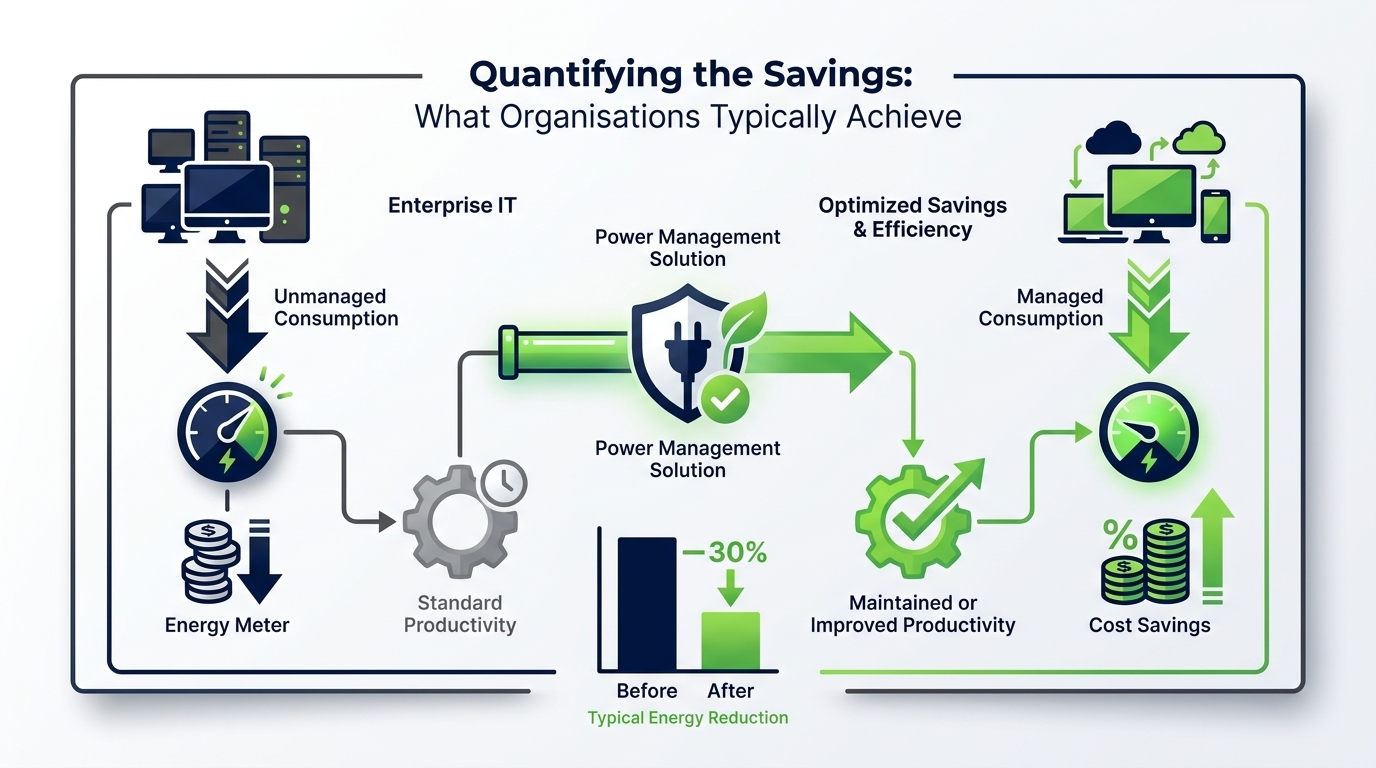
Energy savings from PC power management vary depending on the baseline configuration, fleet size, usage patterns, and the policies deployed. However, organisations that move from unmanaged defaults to intelligent power management consistently achieve meaningful reductions.
Typical Saving Drivers
- Enforced sleep or shutdown during non-business hours eliminates overnight idle consumption.
- Aggressive display timeout policies reduce monitor energy draw significantly across large fleets.
- Workstation sleep during extended user absence (lunch, meetings) captures hours of savings per device daily.
- Scheduled shutdown windows for devices that do not require overnight availability remove the largest single source of waste.
Building a Business Case
To estimate potential savings for your organisation, take the following inputs: number of managed devices, average device wattage, hours per day currently consumed outside active use, and local electricity unit cost. Multiply unmanaged hours by wattage and cost per kWh across the fleet. A credible power management platform will validate these estimates with measured data from deployment.
ESG & Sustainability Reporting: Making the Data Work for You
Environmental, Social, and Governance commitments increasingly require organisations to demonstrate not just intent but measured progress. PC power management creates a direct line between IT operations and sustainability KPIs that can be reported with precision.
Scope 2 Emission Reductions
Electricity consumed by enterprise endpoints contributes to Scope 2 greenhouse gas emissions under the GHG Protocol. By reducing kWh consumed across the PC fleet, organisations generate verified reductions in their Scope 2 footprint. Power management platforms can output emissions data in standard formats suitable for CDP reporting, TCFD disclosures, and internal sustainability dashboards.
Alignment with Corporate Net Zero Targets
Many organisations have committed to net zero targets that require reductions across all operational emissions. Endpoint power management is one of the few IT interventions that produces a quantifiable, auditable, and immediately deployable contribution to those targets — making it a natural inclusion in any technology sustainability roadmap.
Reporting for Finance and Procurement
Cost savings from reduced energy consumption are equally valuable to finance teams managing operational budgets. Platforms that generate clear cost attribution — showing savings by site, department, or device group — enable finance to recognise the IT sustainability programme as a genuine P&L contributor rather than a cost centre.
Deployment & Integration: Getting Started Without Disruption
One of the most common concerns IT teams raise when evaluating power management solutions is deployment complexity. A well-engineered enterprise platform minimises this through lightweight agent architecture and deep integration with existing management toolchains.
Typical Deployment Phases
- Discovery & Baseline: Deploy agents to a pilot group, measure current power states, and establish an unmanaged energy baseline for ROI calculations.
- Policy Design: Work with IT and business stakeholders to define power policies that match operational requirements across different user groups and sites.
- Controlled Rollout: Progressively expand policy deployment, monitoring compliance rates and user feedback to refine settings before full-fleet activation.
- Full Deployment & Reporting: Activate across the entire managed estate, enable automated reporting, and begin capturing savings data for ESG and finance reporting.
Integration with Existing IT Infrastructure
Enterprise power management solutions should integrate natively with the tools your IT team already uses. Key integration points include Active Directory for user and device group management, Microsoft Endpoint Configuration Manager (SCCM) or Microsoft Intune for agent deployment, and SIEM and monitoring platforms for event correlation and compliance reporting.
Security and Compliance Considerations
Any agent deployed to enterprise endpoints must meet the security standards of the organisation. Evaluate vendors on data residency, encryption standards, access controls, and audit logging. Cloud-native platforms should hold recognised security certifications relevant to your sector and geography.
Overcoming Common Challenges in Enterprise Power Management
Despite the clear ROI, some organisations encounter friction when deploying power management at scale. Understanding and anticipating these challenges is essential to a successful programme.
Challenge 1: User Resistance
Employees who have become accustomed to always-on PCs may push back on sleep policies, particularly if they experience session interruptions. The solution is a combination of well-designed policies that respect active usage patterns and user communication explaining why the programme exists and how overrides work when genuinely needed.
Challenge 2: IT Concerns About Patching and Maintenance
IT teams rightly worry that sleeping or powered-off devices will miss patch windows. Modern power management platforms solve this through Wake-on-LAN scheduling and maintenance window integration — devices are woken specifically for patching, then returned to their power-managed state automatically.
Challenge 3: Complex Multi-Site Environments
Organisations with dozens or hundreds of sites across different time zones, electricity costs, and operational patterns need platforms that support site-level policy differentiation and centralised management. Cloud-native architectures handle geographic distribution without requiring local infrastructure at each site.
Challenge 4: Proving ROI Internally
Finance and senior leadership need evidence, not estimates. Platforms that provide before-and-after energy consumption data, cost calculations calibrated to local tariffs, and carbon reduction metrics in standardised units make internal business case reporting straightforward and credible.
Best Practices for IT Teams Implementing Power Management
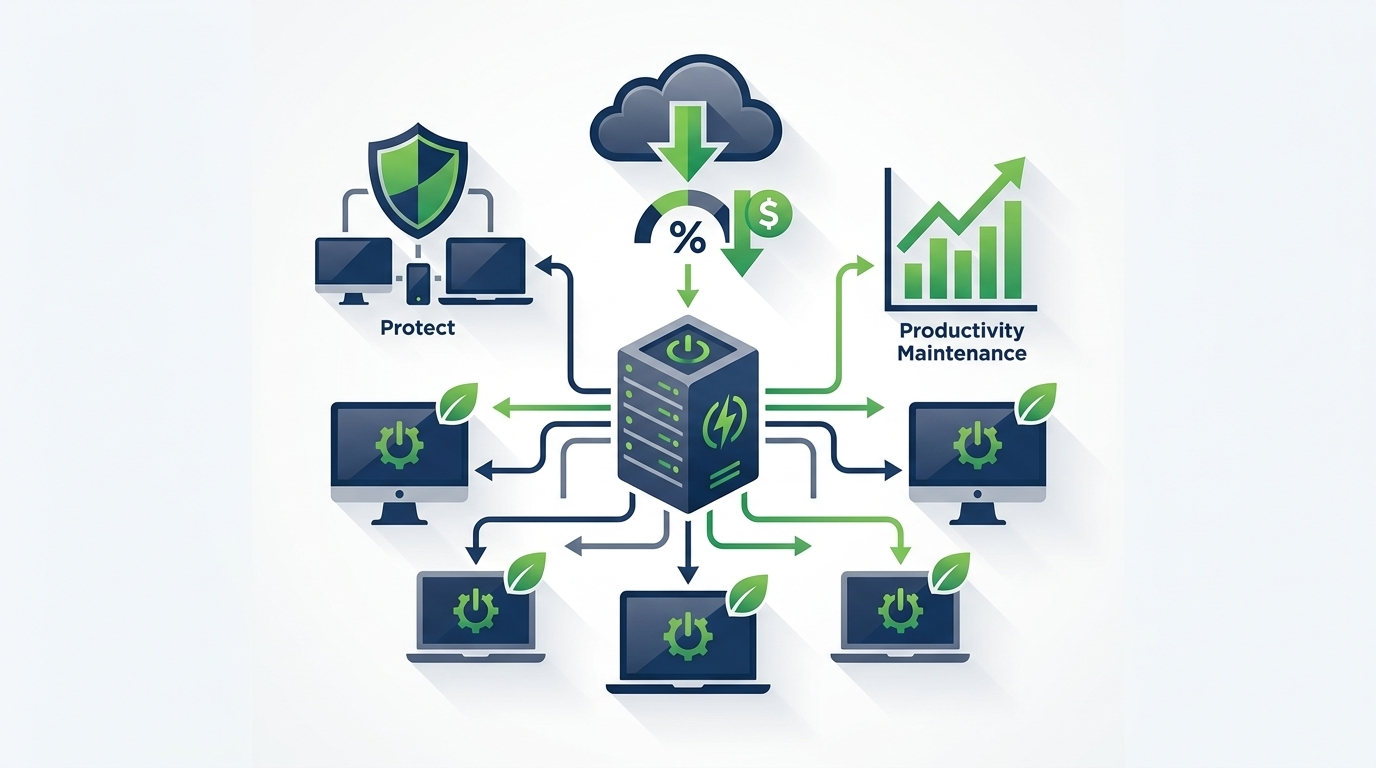
Organisations that achieve the best results from enterprise PC power management share a set of consistent practices:
- Start with a measured baseline — deploy agents before applying policies to capture accurate pre-intervention consumption data.
- Engage stakeholders early — involve HR, facilities, and business unit leads in policy design to prevent post-deployment friction.
- Use pilot groups to test and refine — run policies on a representative sample before fleet-wide activation and gather feedback actively.
- Align policies with the working day, not just clock time — consider shift patterns, time zones, and seasonal changes in working hours.
- Review and optimise regularly — as the organisation changes, so should power policies; quarterly policy reviews maintain savings performance.
- Communicate results — sharing savings data with employees and leadership builds support for the programme and encourages good energy behaviours beyond PC settings.
- Integrate with broader IT sustainability initiatives — combine PC power management data with data centre and network energy metrics for a complete IT carbon picture.
Governance and Ownership
Assign clear ownership for the power management programme — typically a collaboration between IT operations and the sustainability or corporate responsibility team. Define success metrics at the outset, report against them quarterly, and include power management KPIs in IT operational scorecards to maintain long-term focus.
Ready to Reduce Your PC Fleet’s Energy Consumption?
PowerPlug’s platform gives enterprise IT and sustainability teams the tools to deploy intelligent power policies, measure real savings, and report with confidence — across every endpoint, at any scale.
Frequently Asked Questions
Will power management software interrupt employees while they are working?
No. Enterprise-grade power management platforms monitor active user sessions and defer sleep or shutdown actions until the device is genuinely idle. Users can also request temporary overrides when they need the device to remain active for extended periods. Policies are designed to be invisible during productive work time.
How does power management affect overnight patch deployment?
Modern platforms include Wake-on-LAN scheduling that wakes devices at a defined time for patch windows, then returns them to their managed power state once patching is complete. This means IT teams retain full control over maintenance windows without leaving devices powered on unnecessarily outside those windows.
Can the platform manage both on-premise and remote/home-working devices?
Cloud-native power management platforms manage all enrolled devices regardless of their network location. Remote and home-working laptops receive and maintain policies over the internet, ensuring consistent energy savings and reporting across the entire fleet — not just those connected to the corporate network.
How quickly can we expect to see a return on investment?
ROI timelines depend on fleet size, baseline energy consumption, and local electricity tariffs. Many enterprise deployments generate measurable savings within the first few months of full deployment. Platforms that include pre/post consumption measurement and cost reporting allow finance teams to track payback period accurately.
Does PC power management contribute to ESG and sustainability reporting?
Yes. Reductions in endpoint electricity consumption directly reduce an organisation’s Scope 2 greenhouse gas emissions under the GHG Protocol. Power management platforms provide the kWh savings and CO₂ equivalent data needed for CDP submissions, TCFD disclosures, net zero progress reporting, and other sustainability frameworks.
How does PowerPlug integrate with Microsoft Intune and SCCM?
PowerPlug is designed to integrate with leading enterprise management platforms including Microsoft Intune and SCCM, allowing IT teams to deploy the PowerPlug agent through existing toolchains without additional infrastructure. Integration also supports device and user group inheritance from Active Directory, simplifying policy assignment at scale.