
Healthcare IT Energy Solutions Hospitals
A practical guide to enterprise PC power management — why idle computers cost more than you think, and how intelligent automation turns wasted watts into measurable savings.
Across every organisation, hundreds or thousands of PCs sit idle overnight, over weekends, and throughout the working day — consuming electricity, generating heat, and running up energy bills without producing a single unit of useful work. PC power management is the discipline of changing that. This guide explains how it works, why it matters more than ever, and how enterprises can deploy it at scale without disrupting users or IT operations.
Article Navigation Table of Contents
What Is PC Power Management?
PC power management is the practice of automatically controlling the energy state of desktop computers, laptops, and monitors across an organisation’s IT estate. Rather than leaving hardware decisions to individual users — who rarely turn machines off — a centralised platform enforces scheduled shutdowns, sleep states, and wake policies aligned with actual working patterns.
Modern enterprise solutions go well beyond the basic operating-system sleep timers that ship with Windows. They provide centralised policy control, real-time usage monitoring, integration with patch and update workflows, and granular reporting that links power data to financial and environmental outcomes.
Core Capabilities
- Scheduled power-off and wake-up policies tailored to shift patterns and time zones
- Real-time monitoring of device power states across thousands of endpoints simultaneously
- User-override controls that respect employee autonomy without undermining savings targets
- Integration with software deployment and patch windows so updates never delay shutdown
- Detailed reporting on energy consumption, cost savings, and carbon avoidance
Why It Matters More Than Ever
Three converging pressures make PC power management a strategic priority in 2024 and beyond:
Energy Costs Remain Elevated
Commercial electricity prices across Europe and North America remain significantly above pre-2021 levels. Every kilowatt-hour saved by switching off an idle PC directly reduces the organisation’s energy bill — a saving that compounds across thousands of devices and every single night of the year.
ESG and Net-Zero Commitments
Boards, investors, and regulators are demanding verifiable progress on Scope 2 emissions — the greenhouse gases associated with purchased electricity. IT infrastructure, including the PC estate, is a meaningful contributor. Automated power management produces auditable, quantified data that feeds directly into sustainability reports and net-zero roadmaps.
Hybrid Working Has Changed Usage Patterns
With many employees splitting time between home and office, office PCs now sit unused for longer stretches than ever. Without active management, those machines continue drawing full standby power around the clock — often for days at a time when the user is working remotely.
The Real Cost of Idle PCs
The financial case for PC power management becomes compelling the moment organisations calculate what unmanaged devices actually cost. Consider a straightforward model:
| Scenario | Annual Cost per PC | Fleet of 1,000 PCs | Fleet of 5,000 PCs |
|---|---|---|---|
| No power management (always on) | £80 – £120 | £80,000 – £120,000 | £400,000 – £600,000 |
| Basic OS sleep timers only | £50 – £75 | £50,000 – £75,000 | £250,000 – £375,000 |
| Enterprise power management platform | £20 – £40 | £20,000 – £40,000 | £100,000 – £200,000 |
| Potential annual saving | £40 – £80 | £40,000 – £80,000 | £200,000 – £400,000 |
These figures use illustrative energy prices and typical consumption profiles. Actual savings vary with local electricity tariffs, hardware specifications, and existing IT policies. The directional message, however, is consistent: the savings potential is large relative to the cost of a management platform, and payback periods are typically measured in months rather than years.
Hidden Costs Beyond the Energy Bill
Energy spend is only the most visible cost. Organisations that leave PCs running continuously also accelerate hardware wear, reduce component lifespan, and increase heat output in office environments — pushing up HVAC costs. Replacing hardware earlier than necessary generates additional capital expenditure and electronic waste, both of which carry their own financial and environmental weight.
See Exactly What Your PC Estate Is Costing You
PowerPlug’s platform gives IT and finance teams a live view of PC energy consumption, projected savings, and carbon data — before you commit to anything. Request a personalised demo tailored to your fleet size and working patterns.
How Enterprise Power Management Works
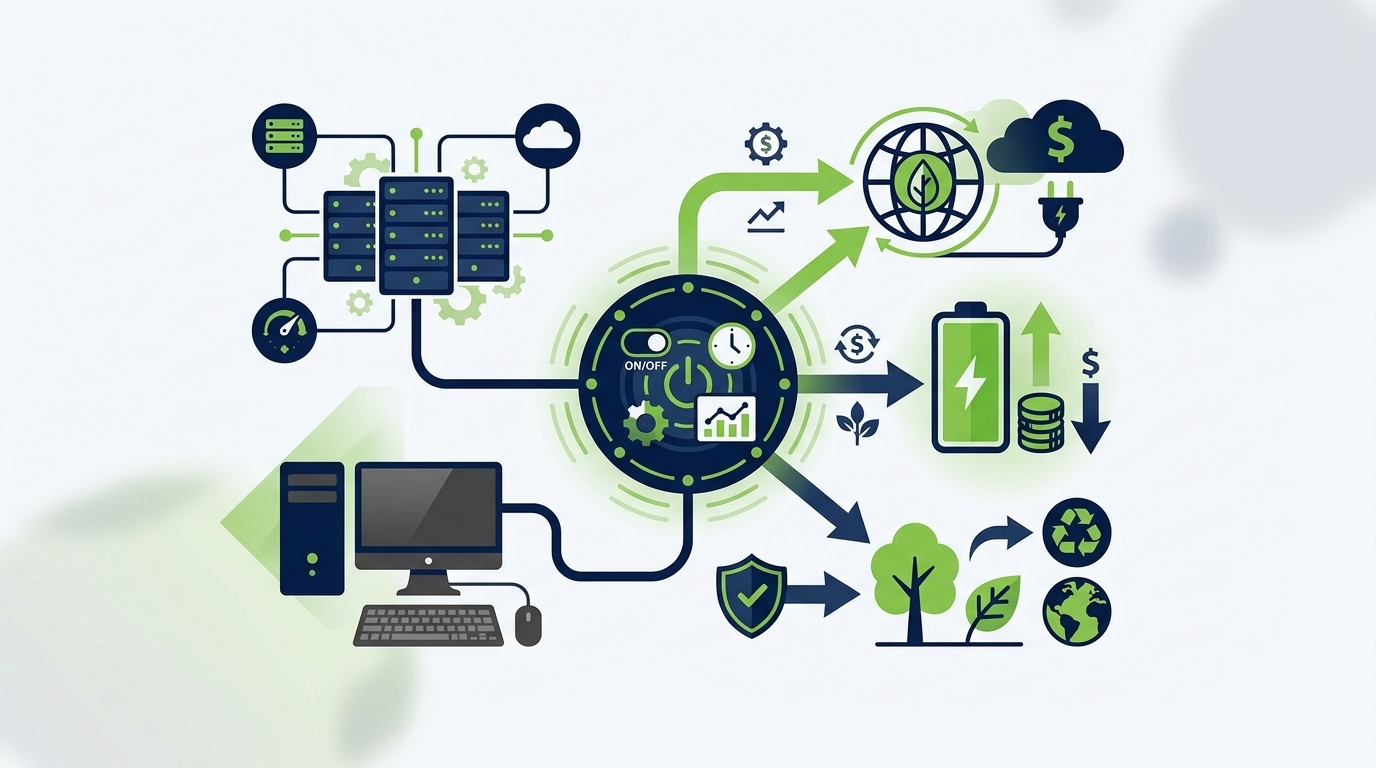
A well-designed enterprise power management solution operates in three phases: discover, control, and report.
Discover: Understanding the Current State
The platform deploys lightweight agents to every managed endpoint. These agents report real-time power state data back to a central console — revealing exactly which devices are on, idle, sleeping, or off at any given moment. This discovery phase frequently surfaces surprising results: a significant proportion of devices in most organisations are powered on outside business hours with no active user session.
Control: Enforcing Intelligent Policies
Based on actual usage data, IT teams define power policies. These are not blunt shutdown commands — they are intelligent schedules that account for time zones, shift patterns, patch windows, and exceptions for roles that genuinely require always-on access (server rooms, security desks, on-call staff). Policies can be applied at the individual, group, department, or fleet level.
Wake-on-LAN (WoL) capabilities allow the platform to power devices on remotely for scheduled maintenance, software updates, or backup jobs — ensuring that power savings do not conflict with operational requirements.
Report: Turning Data Into Decisions
Continuous reporting converts raw power-state telemetry into business-readable metrics: kilowatt-hours saved, cost reduction in local currency, tonnes of CO₂ avoided, and progress against internally set targets. These reports satisfy both finance teams seeking ROI validation and sustainability leads building ESG disclosures.
Key Features to Look For
Not all PC power management solutions are equally capable. When evaluating platforms, look for the following:
Enterprise Evaluation Checklist
- Centralised policy management — single-pane-of-glass control across all endpoints, regardless of location or operating system version
- Granular scheduling — policies that respect shift patterns, time zones, and role-based exceptions without requiring manual overrides
- Wake-on-LAN support — ability to remotely wake devices for maintenance and updates without keeping them permanently powered
- Real-time dashboards — live visibility into fleet power states, not just retrospective reports
- Financial and carbon reporting — quantified savings in local currency and CO₂ equivalents, suitable for board and ESG reporting
- User communication tools — in-platform notifications that inform users before shutdown, maintaining trust and reducing helpdesk noise
- Integration with ITSM and SCCM — compatibility with existing IT management infrastructure to avoid workflow duplication
- Scalability — proven performance at tens of thousands of endpoints without performance degradation
- Security and compliance — role-based access controls, audit logging, and data residency options where required
Business Benefits at a Glance
The value of enterprise PC power management extends across multiple business functions simultaneously — which is why it tends to be championed by IT, finance, and sustainability leads in parallel.
| Stakeholder | Primary Benefit | Secondary Benefit |
|---|---|---|
| Finance | Direct reduction in energy operating costs | Extended hardware lifespan, lower capital replacement spend |
| IT Operations | Centralised endpoint control without additional headcount | Patching and maintenance without conflicting with power schedules |
| Sustainability / ESG | Quantified Scope 2 emissions reduction | Auditable data for regulatory and voluntary disclosures |
| Facilities | Reduced heat load in office environments | Lower HVAC demand during out-of-hours periods |
| Executive / Board | Demonstrable progress on cost efficiency and ESG targets | Reduced reputational risk from unmanaged environmental impact |
Sustainability and ESG Reporting
Organisations facing mandatory or voluntary sustainability reporting requirements — whether under TCFD, GRI, CDP, or corporate net-zero pledges — need reliable, granular data on where emissions are generated and where reductions are being achieved.
PC power management is an unusually clean source of that data. Unlike many operational changes, its impact is directly measurable: the platform records the precise number of hours each device was powered down that it would otherwise have been on, applies verified energy consumption profiles, and outputs a defensible tonnes-of-CO₂-avoided figure.
Scope 2 Emissions and the IT Estate
Scope 2 covers indirect emissions from purchased electricity. For most office-based organisations, the PC estate — including desktops, laptops, monitors, and associated peripherals — is one of the larger contributors to Scope 2 within the office footprint. Reducing PC idle consumption therefore produces a verifiable, reportable Scope 2 saving that complements investments in renewable energy procurement and building efficiency.
Aligning with Net-Zero Roadmaps
Net-zero commitments typically require organisations to demonstrate year-on-year progress across all material emission sources. PC power management provides a quick win — savings can begin within days of deployment — while generating the ongoing data trail needed to show trajectory over the long term. It is rarely the only action required, but it is one of the fastest and most cost-effective to implement at scale.
Deployment and IT Considerations
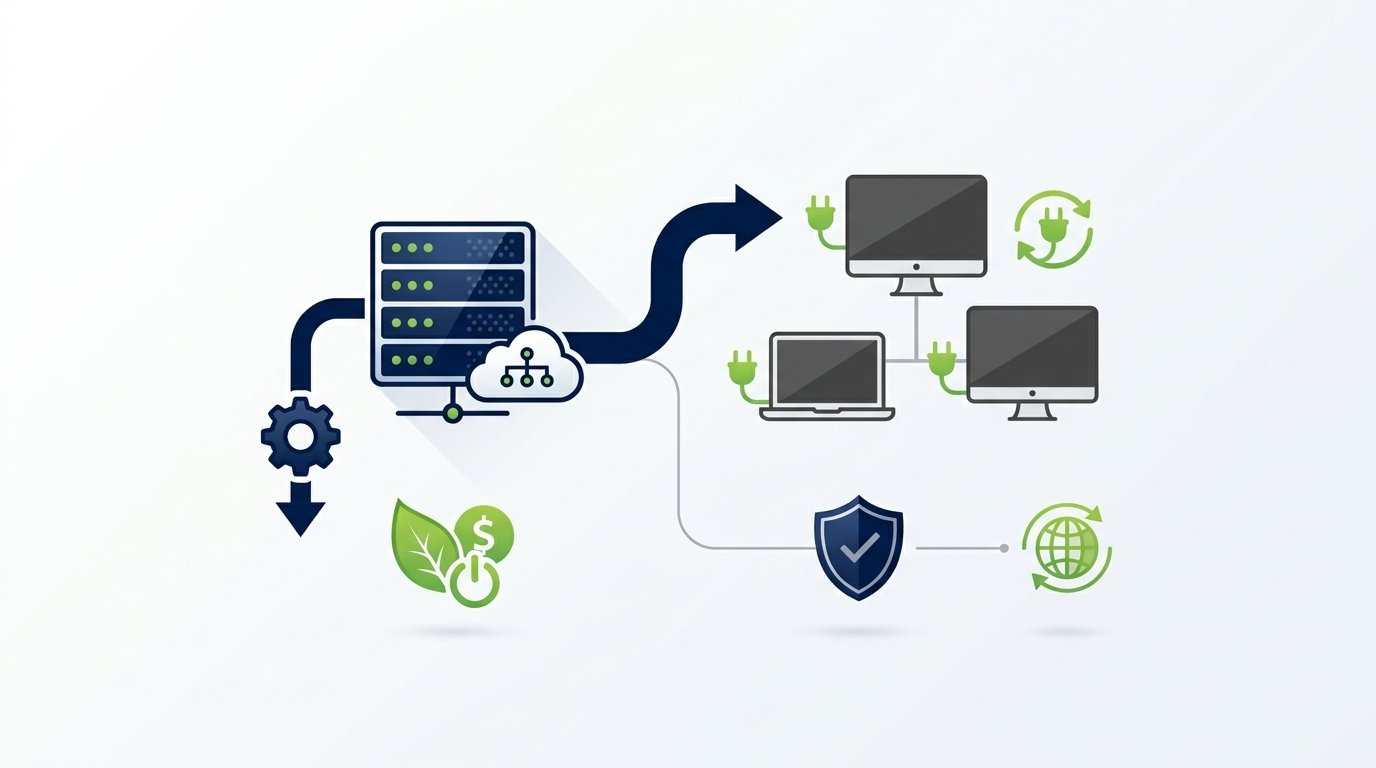
IT teams evaluating a power management platform rightly ask how deployment will interact with existing infrastructure, workflows, and security policies. The following considerations typically arise:
Agent Deployment
Most enterprise platforms deploy via a lightweight agent pushed through existing software distribution tools — Microsoft SCCM, Intune, or similar. Deployment to thousands of endpoints can typically be completed in a single change window without requiring device restarts during business hours.
Network and Remote Endpoints
For organisations with remote or home-based workers, modern platforms support cloud-connected management so that laptops outside the corporate network are still subject to power policies. Wake-on-LAN for remote devices typically requires additional network configuration, and most vendors provide documented guidance for common VPN and firewall setups.
User Communication and Change Management
The most common source of resistance to power management rollouts is not technical — it is user concern about data loss or disruption. A well-designed platform addresses this with configurable pre-shutdown notifications that give users adequate warning and allow one-click deferrals where operationally necessary. Clear internal communications from IT and management significantly reduce helpdesk ticket volumes post-deployment.
Ongoing Management
Once deployed, a mature power management platform requires minimal ongoing IT resource. Policy adjustments can be made centrally in minutes. Reporting runs automatically. The main ongoing activity is reviewing usage data to identify opportunities for further policy optimisation as organisational working patterns evolve.
Ready to Turn Your PC Estate Into a Sustainability and Cost Asset?
PowerPlug works with enterprises across sectors to deliver measurable PC power savings — typically within weeks of deployment. Our team will help you scope a solution matched to your fleet size, working patterns, and reporting requirements.
Frequently Asked Questions
Will power management disrupt users who are still working late?
No — well-designed enterprise power management platforms always include pre-shutdown notifications. Users receive an on-screen alert before any scheduled power action, with the ability to defer the shutdown if they are still actively working. IT teams can configure deferral windows and maximum deferral counts to balance user flexibility with energy savings targets.
Can power management coexist with overnight software updates and patching?
Yes. Enterprise platforms are specifically designed to integrate with patch and deployment schedules. Devices can be woken via Wake-on-LAN for maintenance windows, kept awake during active update processes, and then returned to a powered-off state once the task is complete. This eliminates the common IT objection that power management conflicts with update workflows.
How quickly can savings be realised after deployment?
Savings begin immediately once policies are active. Many organisations see measurable reductions in energy consumption within the first billing period after a full fleet deployment. The speed of the financial benefit depends on fleet size, existing device states, and the aggressiveness of the power policies applied — but payback periods are typically short relative to the scale of ongoing savings.
Does PC power management work for remote and hybrid workers?
Modern cloud-connected platforms manage endpoints regardless of whether they are on the corporate network or connected remotely. Policies apply to laptops at home, at client sites, or in co-working spaces. Wake-on-LAN for devices outside the corporate network requires additional network configuration but is supported by leading platforms with documented setup guides.
How is the CO₂ saving calculated and is it auditable?
The platform records the precise duration each device spends in a powered-down state that it would otherwise have spent powered on. This is multiplied by the device’s energy consumption profile and the applicable grid carbon intensity factor for the relevant region. The resulting CO₂ avoidance figure is based on device-level telemetry rather than estimation, making it substantially more defensible in sustainability audits than fleet-level approximations.
What fleet size does PC power management suit?
The financial case strengthens with scale — the more devices under management, the greater the aggregate saving. That said, organisations with as few as a few hundred PCs can achieve meaningful cost and carbon reductions. Enterprise platforms are built to scale to tens of thousands of endpoints without performance degradation, and pricing models typically reflect fleet size so the cost-to-saving ratio remains attractive across a wide range of organisation sizes.