
Managing PC Energy in Hybrid Work Environments
How forward-thinking IT and sustainability teams are using intelligent PC power policies to reduce electricity spend, shrink carbon footprints, and meet ESG targets — without disrupting a single end user.
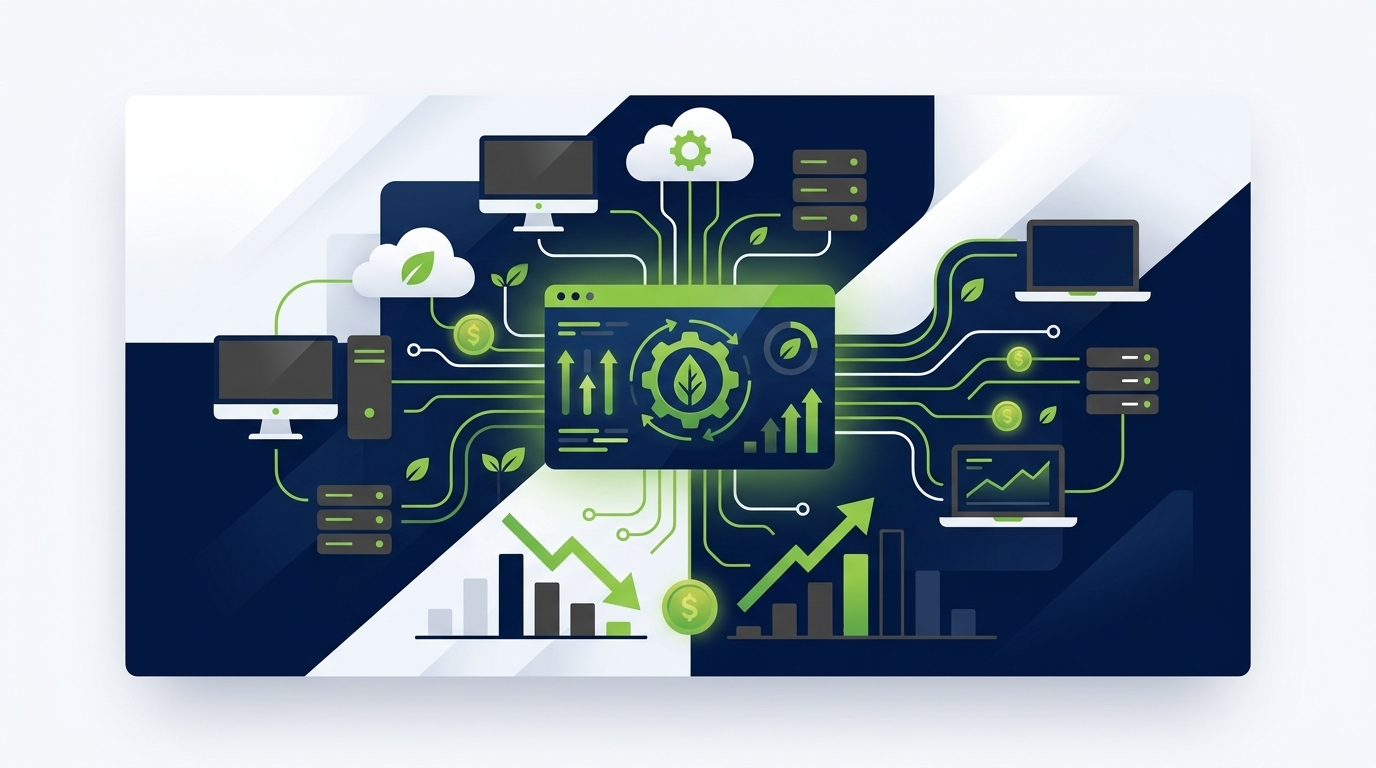
Enterprise PCs are among the most overlooked sources of energy waste in large organizations. Desktops, laptops, and workstations left powered on overnight, through weekends, or during idle hours can silently inflate electricity bills and carbon emissions at scale. PC power management — when deployed intelligently — offers one of the fastest, most measurable paths to meaningful energy savings across an organization’s entire endpoint fleet.
Article Navigation Table of Contents
The Hidden Cost of Idle PCs
In a typical enterprise, a significant share of desktop and laptop computers remain powered on around the clock — not because they are in active use, but because no enforced policy brings them to a low-power state. The financial and environmental consequences accumulate quietly over time.
A single desktop PC left on overnight and through weekends can consume hundreds of kilowatt-hours per year unnecessarily. Multiply that figure across thousands of endpoints in a large organization and the picture becomes stark: energy costs measured in tens or even hundreds of thousands of dollars annually, carbon emissions that undermine stated sustainability commitments, and wear on hardware that shortens asset lifespans.
Where the Waste Happens
The most common sources of avoidable PC energy consumption in enterprise environments include:
- Computers left powered on outside business hours — evenings, nights, weekends, and public holidays
- Monitors that remain active during meetings, training, or while users are away from their desks
- Laptops left plugged in and running background processes when docked but unattended
- Workstations in call centres, trading floors, or labs that are assumed to need continuous uptime but often do not
- Devices that have nominal sleep settings configured at the OS level but are overridden by user or application behaviour
What Is Enterprise PC Power Management?
Enterprise PC power management is the practice of centrally defining, deploying, enforcing, and measuring power policies across an organization’s entire fleet of endpoint devices — desktops, laptops, workstations, and thin clients — in a way that reduces unnecessary energy consumption without interfering with legitimate work.
It is distinct from the basic sleep or screen-lock settings that individual users can configure on their own machines. Those settings are easily overridden, inconsistently applied, and impossible to audit at scale. A true enterprise power management solution operates at the organizational level, applying policy centrally and reporting on outcomes in real time.
Core Capabilities of an Enterprise-Grade Solution
What to expect from a mature platform
- Policy engine: Granular rules that account for user roles, device types, departments, locations, and working patterns
- Wake/sleep scheduling: Automated power-on and shutdown aligned to shift patterns, time zones, and organizational calendars
- Remote wakeup: Ability to remotely power on devices for maintenance, updates, or urgent user needs without leaving them on all night
- Real-time monitoring: Live visibility into the power state of every managed endpoint
- Energy and CO₂ reporting: Quantified savings in kWh and carbon equivalent, suitable for internal reporting and external ESG disclosure
- Integration with existing infrastructure: Compatibility with Active Directory, SCCM, Intune, JAMF, and leading ITSM platforms
How Modern PC Power Management Platforms Work
Modern solutions go well beyond a simple group policy object (GPO) that sets a screen timeout. They combine lightweight endpoint agents, cloud or on-premises management consoles, and data analytics to create a continuously optimized power posture across the fleet.
The Agent Layer
A small software agent is deployed to each managed endpoint. This agent receives policy instructions from the central management platform, enforces power states, and reports back telemetry — including current power state, last user activity, energy consumed, and policy compliance status. The agent is designed to be low-resource and transparent to the end user during working hours.
Policy Logic and Exceptions
Effective platforms allow administrators to define nuanced policies that reflect real working patterns. For example, a financial analyst who frequently runs overnight data jobs can be granted an exception profile that delays shutdown until the job completes. A call centre team operating three shifts can have power schedules aligned precisely to their roster. Seasonal variations — such as extended hours during peak trading periods — can be accommodated without manual intervention.
Measurement and Reporting
This is where enterprise platforms diverge most sharply from basic OS-level settings. A proper power management solution provides continuous measurement of actual energy savings — expressed in kilowatt-hours, monetary cost at the organization’s actual electricity tariff, and carbon dioxide equivalent — so that IT, finance, and sustainability teams can all see the return on investment in their own terms.
| Capability | Basic OS/GPO Approach | Enterprise Power Management Platform |
|---|---|---|
| Policy enforcement | Per-device, easily overridden by users | Centrally enforced, role-aware, tamper-resistant |
| Scheduling | Static timeout settings only | Dynamic schedules tied to shifts, calendars, and time zones |
| Remote wakeup | Not available | Available; integrated with patch management workflows |
| Reporting | None | Real-time dashboards; kWh, cost, and CO₂ metrics |
| Exception handling | Not available | Per-user or per-group exception profiles |
| ESG disclosure readiness | None | Audit-ready reports aligned to ESG frameworks |
Key Benefits for the Enterprise
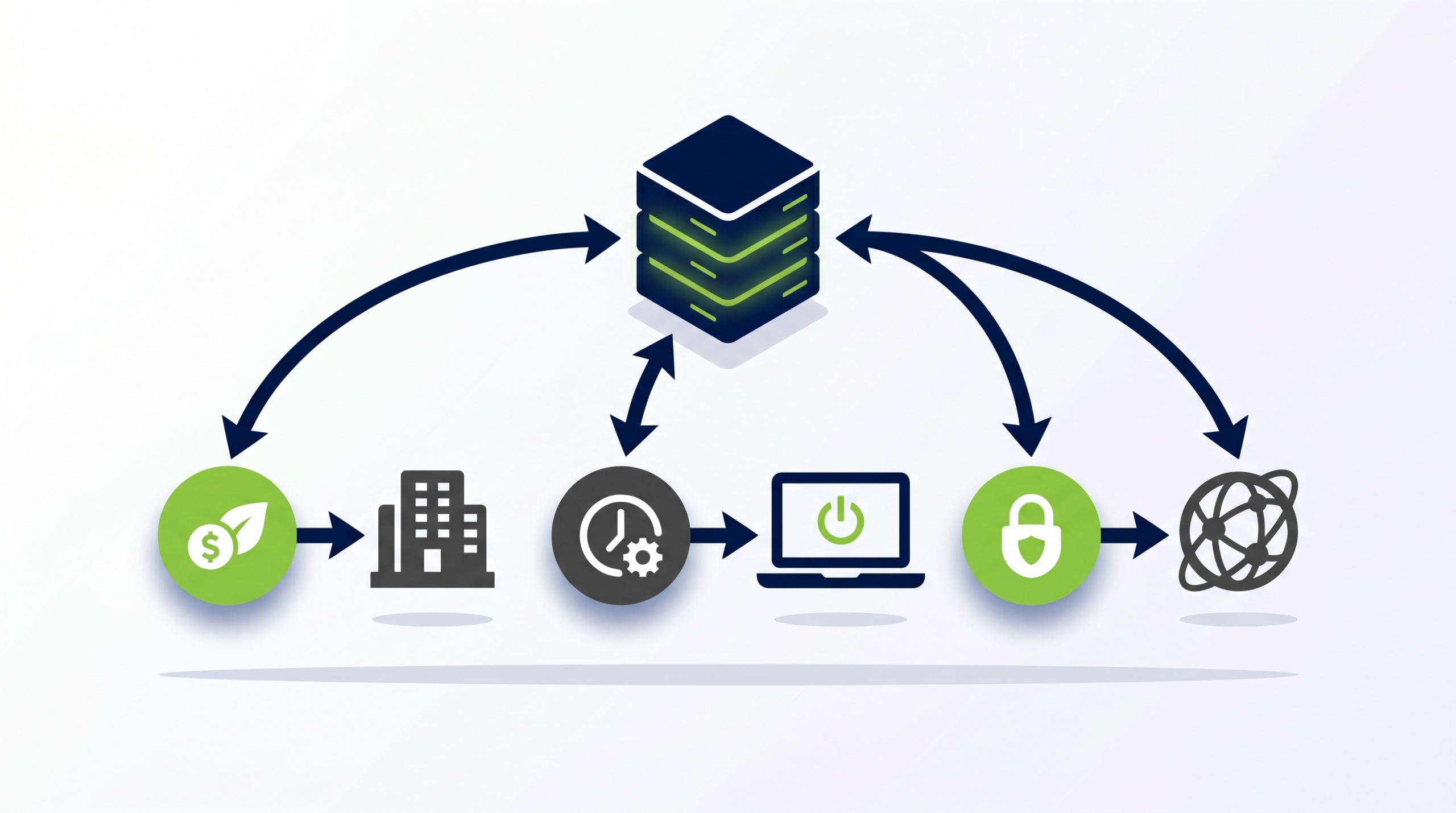
Direct Energy Cost Reduction
The most immediate benefit is a measurable reduction in electricity expenditure. By eliminating the energy consumed by endpoints outside of working hours, organizations can reduce PC-related energy costs by a substantial margin. The precise figure depends on the size of the fleet, the organization’s working patterns, and local electricity prices, but organizations deploying dedicated power management solutions routinely report significant reductions in annual endpoint energy spend.
Carbon Footprint Reduction
For organizations with net-zero commitments or Scope 2 carbon reduction targets, PC power management is a practical and quantifiable lever. Reducing electricity consumption directly reduces market-based Scope 2 emissions, and the savings can be attributed, measured, and disclosed with a level of precision that many other sustainability initiatives cannot match.
Extended Hardware Lifespan
Computers that are powered off or in deep sleep states outside of working hours accumulate fewer operating hours over their service life. This reduces thermal stress on components, which can extend the period before hardware requires replacement. In large fleets, even a modest extension of average device life translates into meaningful reductions in capital expenditure and electronic waste.
Simplified Patch Management
One of the practical advantages of enterprise power management platforms is the integration with patch and update workflows. Rather than leaving devices on all night to catch a maintenance window, IT teams can schedule targeted remote wakeups that bring specific devices online at the required time, apply updates, and return them to a low-power state — all without user involvement and without the energy waste of leaving the entire fleet powered on overnight.
Improved Sustainability Reporting
Boards, investors, customers, and regulators increasingly expect organizations to quantify and disclose their environmental performance. PC power management platforms provide the measurement infrastructure needed to produce credible, auditable data on endpoint energy consumption and savings — data that can feed directly into ESG reports, carbon disclosures, and regulatory submissions.
See How Much Your Organization Could Save
PowerPlug’s platform gives enterprise IT and sustainability teams real-time visibility into PC energy consumption across every managed endpoint — and the tools to act on it immediately.
ESG, Reporting & Compliance
Environmental, Social, and Governance (ESG) commitments have moved from voluntary differentiators to baseline expectations for listed companies, major suppliers, and public sector organizations in many markets. PC power management intersects with ESG in several important ways.
Scope 2 Emissions Reduction
Electricity consumed by office equipment — including PCs and monitors — falls under Scope 2 of the GHG Protocol, covering indirect emissions from purchased energy. Reducing endpoint energy consumption is therefore a direct contributor to Scope 2 emission reductions, which are central to most corporate climate commitments.
Alignment with Reporting Frameworks
Organizations reporting under frameworks such as CDP, GRI, SASB, or TCFD need quantified, auditable data. A well-implemented PC power management solution produces exactly that: time-stamped records of energy consumed, energy saved, and associated carbon impact, tied to specific devices, departments, and locations.
Regulatory Developments
Energy efficiency regulations for commercial equipment continue to evolve in the EU, UK, and other markets. Demonstrating active management of endpoint energy consumption is increasingly relevant to regulatory compliance and tender qualification, particularly in the public sector and financial services.
Common Challenges & How to Overcome Them
Resistance from End Users
The most frequent concern raised during PC power management deployments is that users will find their computers powered off at inconvenient moments — particularly if they are working late, accessing files remotely, or running long processes. This concern is legitimate and must be addressed through thoughtful policy design, not dismissed.
Solutions include: providing users with a simple self-service mechanism to request a delay to shutdown; configuring generous grace periods before sleep or shutdown states are enforced; and creating exception profiles for users or roles with genuine non-standard requirements. Transparent communication about the initiative — and its environmental and cost rationale — also significantly reduces friction.
Application Compatibility
Certain applications — particularly backup clients, rendering engines, overnight data processing jobs, and remote access tools — may be disrupted by aggressive power policies. A mature power management platform allows administrators to define application-aware exceptions: if a specified process is active, the device’s power state transition is deferred until the process completes or a defined timeout is reached.
Organizational Complexity
Large enterprises operate across multiple time zones, with diverse working patterns, hybrid and remote arrangements, and a mix of device types. Power policies must reflect this complexity rather than applying a single rigid rule to all endpoints. Platforms that support granular segmentation by location, department, device type, and user group are better equipped to handle this without generating excessive exception requests.
Integration with IT Operations
IT teams are understandably cautious about introducing a new management layer that might conflict with existing tools — particularly patch management, endpoint detection and response (EDR), and remote access infrastructure. The best way to address this is to evaluate platforms that have documented, supported integrations with the specific tools already in use, and to conduct a structured pilot before full deployment.
Choosing the Right PC Power Management Solution
Not all PC power management solutions are equivalent. The differences between a basic approach using native OS settings and a purpose-built enterprise platform are significant, and the right choice depends on the size, complexity, and objectives of the organization.
Evaluation Criteria
- Scale: Can the solution manage thousands of heterogeneous endpoints reliably without performance degradation?
- Granularity: Does the policy engine support the level of segmentation your organization requires — by department, location, role, device type, and time zone?
- Reporting depth: Can the platform produce energy, cost, and carbon reports at the level of detail required for ESG disclosure and internal accountability?
- Integration ecosystem: Does it integrate with your existing directory services, endpoint management tools, and ITSM platform without requiring major architectural changes?
- Exception management: How are legitimate exceptions handled — through self-service, helpdesk workflow, or automatic application detection?
- Vendor track record: Does the vendor have demonstrable experience with enterprises of comparable size and complexity in your sector?
- Data residency and security: Where is telemetry data stored, and does this comply with your organization’s data governance requirements?
Implementation Best Practices
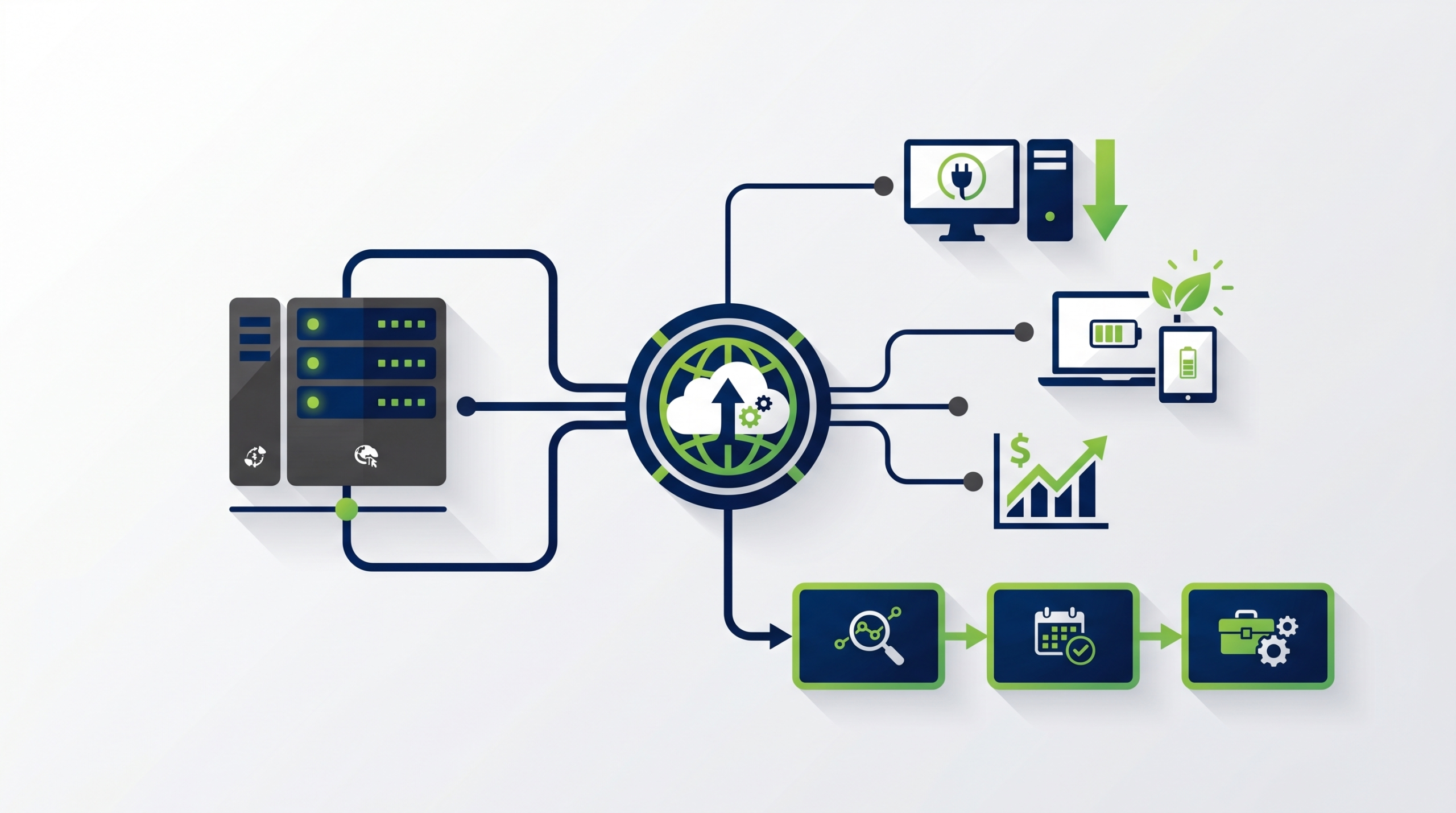
A successful enterprise PC power management deployment follows a structured approach that balances ambition with operational care. Rushing to maximum aggressiveness on day one is rarely the right strategy.
Phase 1: Baseline Measurement
Before implementing any policy changes, deploy the monitoring capability to establish a credible baseline. Understand exactly how much energy your current fleet consumes, when devices are powered on and off in practice, and where the largest concentrations of avoidable consumption exist. This baseline is also your before-state for measuring and demonstrating return on investment.
Phase 2: Pilot and Policy Design
Select a representative pilot group — ideally spanning multiple departments, locations, and device types — and use it to test and refine your initial policy set. Collect feedback from users and IT operations teams. Identify exceptions that need to be formalized. Refine thresholds and grace periods based on real experience rather than assumption.
Phase 3: Phased Rollout
Roll out the validated policy incrementally, starting with the groups where impact is most straightforward — typically office-based, single-shift workers with standard working hours. Expand to more complex populations — shift workers, remote users, specialist roles — once you have established confidence in the platform and the policy framework.
Phase 4: Continuous Optimization
PC power management is not a set-and-forget deployment. As working patterns change, new device types are introduced, and the organization evolves, policies need to be reviewed and updated. Regular reporting cycles — monthly for operational review, quarterly for sustainability reporting — keep the programme aligned with organizational objectives.
Frequently Asked Questions
Will PC power management interrupt employees who are working late or remotely?
A well-configured enterprise power management solution includes grace periods, user-initiated delay options, and exception profiles for roles with non-standard working patterns. The goal is to eliminate energy waste from genuinely idle and unattended devices — not to disrupt employees who are actively working. Communication and thoughtful policy design are key to achieving this balance.
Can we wake up PCs remotely for patch management if they are in a low-power state?
Yes. Enterprise PC power management platforms typically include scheduled remote wakeup capabilities that integrate with patch management workflows. IT teams can schedule targeted wakeup windows for specific devices or groups, apply updates, and return devices to a low-power state — without leaving the entire fleet powered on overnight.
How do we measure the actual energy savings from a power management deployment?
Purpose-built platforms measure actual energy consumption at the endpoint level and compare it against the established baseline. Savings are expressed in kilowatt-hours, monetary cost (using the organization’s actual electricity tariff), and CO₂ equivalent. Reports can typically be segmented by department, location, device type, and time period to support internal accountability and ESG disclosure.
How does PC power management contribute to our Scope 2 carbon reduction targets?
Electricity consumed by office endpoints falls under Scope 2 of the GHG Protocol (indirect emissions from purchased energy). Reducing that consumption directly reduces market-based Scope 2 emissions. Enterprise power management platforms provide the quantified, auditable data needed to attribute and disclose these reductions within ESG and climate reporting frameworks.
Does a power management agent affect endpoint performance during working hours?
Enterprise power management agents are designed to operate with a minimal resource footprint and to be transparent during active working hours. Policy enforcement — such as sleep or shutdown — is only triggered based on inactivity or schedule, not during active user sessions. The agent itself should not be perceptible to end users during normal operation.
Can the solution handle a globally distributed fleet across multiple time zones?
Yes. Mature enterprise power management platforms support time-zone-aware scheduling, meaning that power policies can be applied relative to local time rather than a single central clock. This is essential for global organizations where enforcing a single fixed shutdown schedule would either leave devices on too long in some regions or disrupt working hours in others.
Ready to Transform Your Organization’s PC Energy Strategy?
PowerPlug helps enterprise IT and sustainability teams deploy intelligent PC power management at scale — delivering measurable energy savings, carbon reduction, and ESG reporting capability from day one.