
Energy Savings Per Employee Calculation Office: A Practical Guide
A clear, repeatable method for measuring workstation energy use and turning per-desk numbers into a defensible sustainability and cost-reduction case.
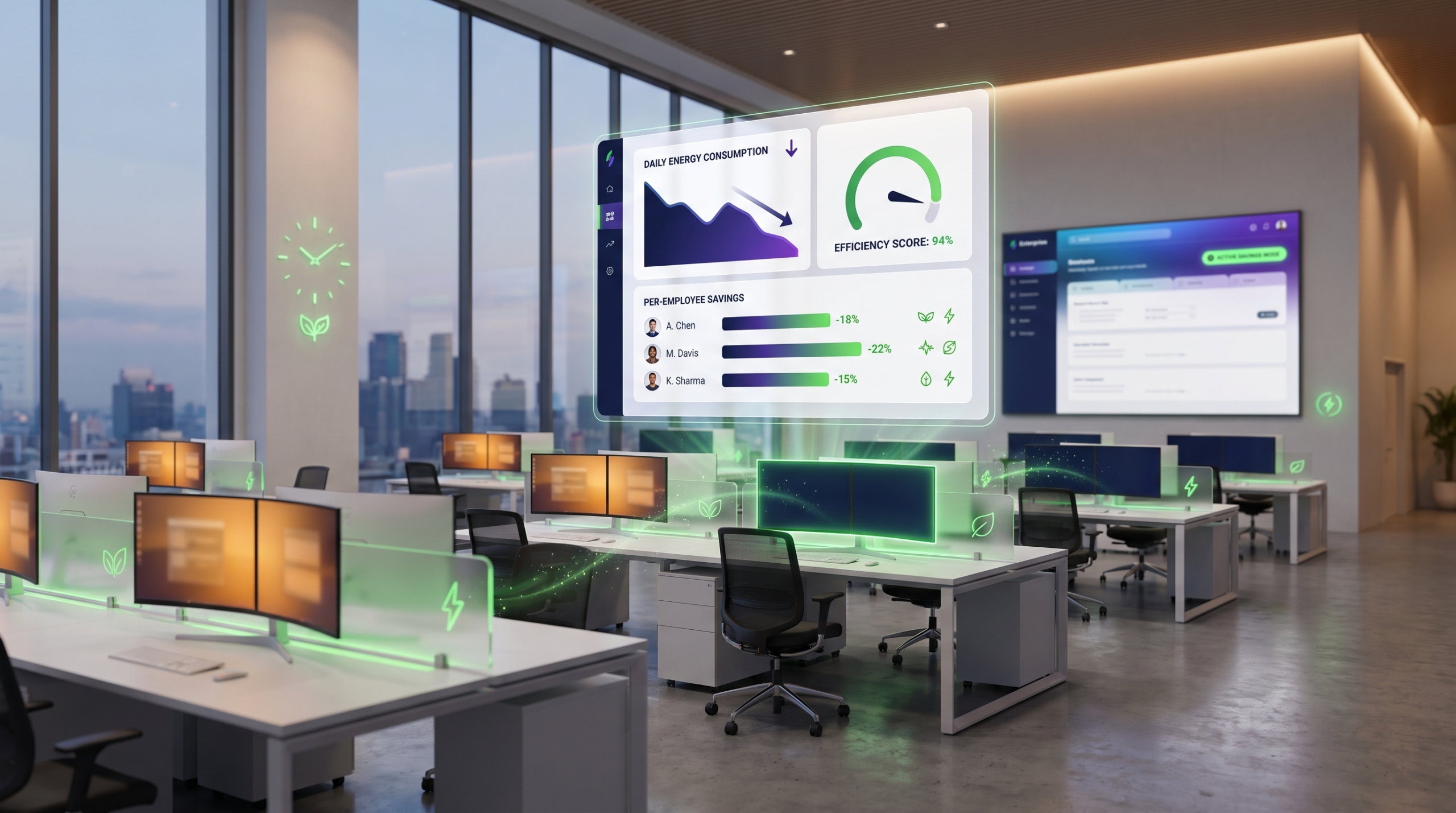
Understanding energy savings per employee calculation office metrics gives IT and facilities leaders a common language for cost, sustainability, and capacity planning. Instead of relying on whole-building utility bills, a per-employee approach breaks energy use down to the workstation level, making waste visible and savings actionable.
Article NavigationTable of Contents
Why Per-Employee Metrics Matter
Whole-building electricity bills tell you what was spent, but not where the waste is. An energy savings per employee calculation office approach reallocates that total down to the desk level, so leaders can see how much a typical workstation, monitor set, and idle period cost across a year. This is especially useful in hybrid and flexible-seating environments, where headcount and device counts no longer move in lockstep.
Per-employee figures also make comparisons meaningful across office sizes and locations. A 200-seat office and a 2,000-seat office can be benchmarked on the same basis, which supports fair budgeting, sustainability reporting, and internal business cases for power management investment.
- Per-employee metrics reveal waste that building-level bills hide.
- They enable fair comparisons across offices of different sizes.
- They give IT and facilities a shared, defensible baseline.
Analyzing Workstation Power Consumption
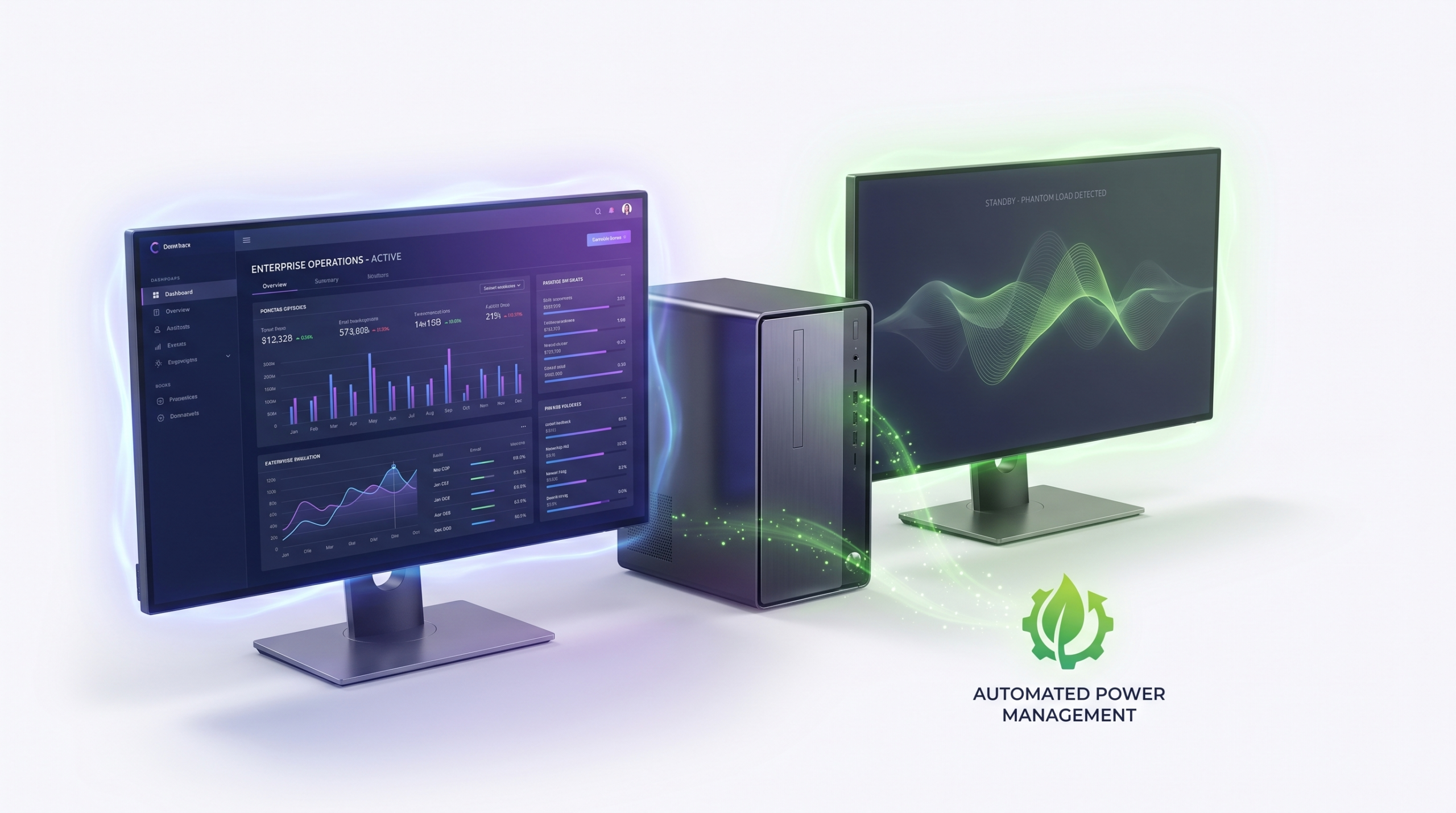
Modern workstations rarely draw a constant amount of power. Consumption varies across active use, idle time, sleep, and periods where a machine is left on overnight or over weekends. A meaningful per-employee calculation needs to account for each of these states separately, rather than assuming a single flat wattage for every hour a device is powered on.
Laptops, desktops, docking stations, and dual-monitor setups each contribute differently to the total. Without device-level visibility, organizations tend to default to industry-average assumptions, which can understate or overstate real consumption depending on fleet age, monitor count, and how consistently sleep settings are enforced.
What to Measure at the Device Level
- Active-use wattage during core working hours.
- Idle-state draw when a machine is unattended but powered on.
- Overnight and weekend “always-on” consumption.
- Peripheral load from monitors, docks, and accessories.
Step-by-Step: Your First Energy Audit
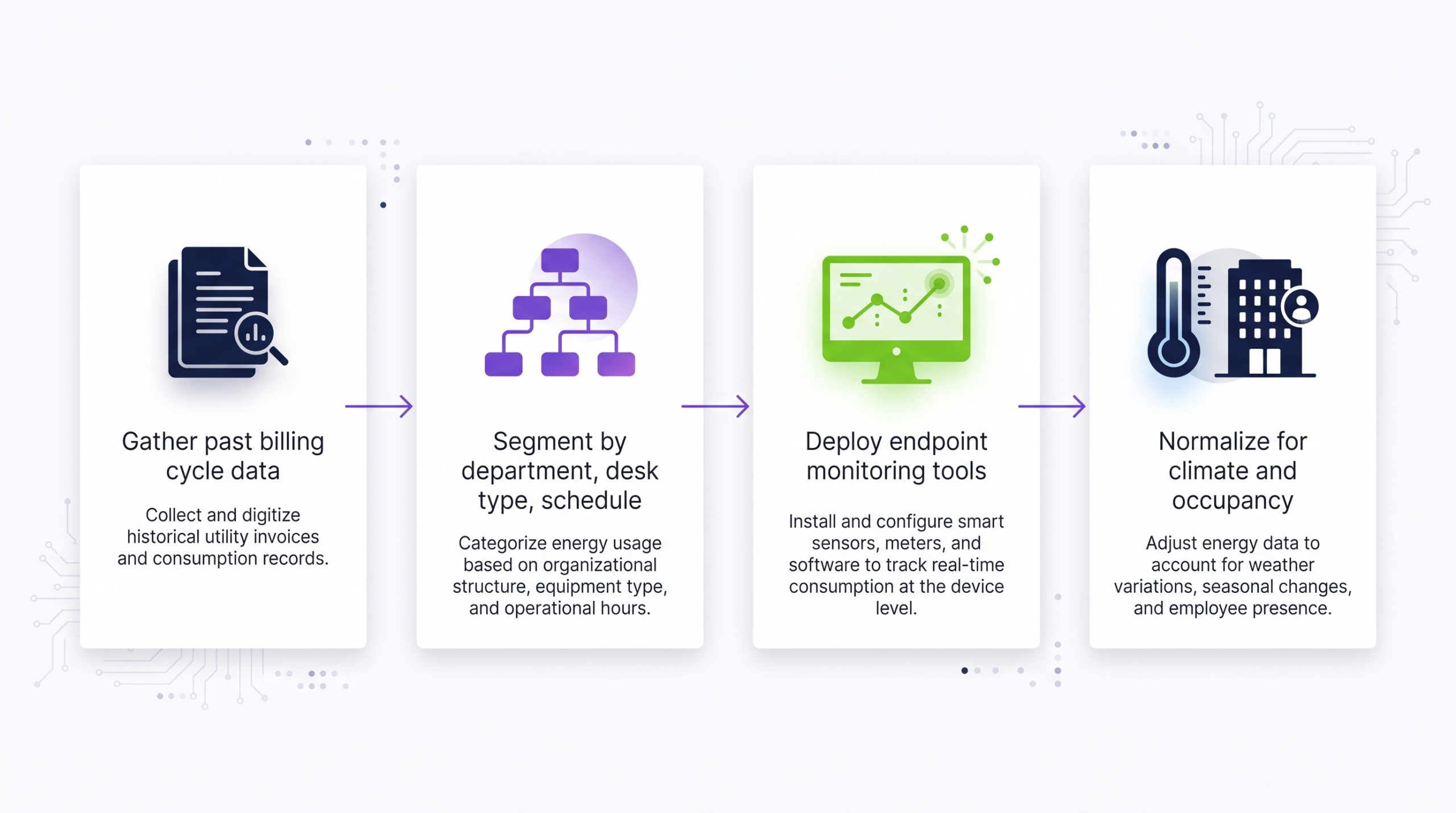
Running a first per-employee energy audit does not require a full utility overhaul. A structured, phased approach lets teams validate assumptions before committing to broader policy changes.
1. Establish the Baseline
Start with a representative sample of workstations across departments and shifts. Capture power states over a full week, including weekends, to understand the true always-on baseline rather than only working-hours behavior.
2. Segment by Role and Device Type
Group results by device type (desktop vs. laptop), monitor configuration, and role, since usage patterns for engineering, support, and back-office teams often differ meaningfully.
3. Calculate the Per-Employee Figure
Divide total measured consumption for the sample by the number of employees represented, then extrapolate to the full headcount. This produces the core energy savings per employee calculation office figure that supports budgeting and reporting.
4. Identify Quick-Win Opportunities
Flag machines left on overnight, disabled sleep settings, and outdated power plans as immediate opportunities, separate from longer-term hardware or policy changes.
See Your Office’s Numbers in Real Time
PowerPlug’s platform turns manual spreadsheet audits into continuous, per-workstation visibility—so your per-employee energy figures stay accurate as your office changes.
See the PlatformAutomated Solutions to Reduce Footprint
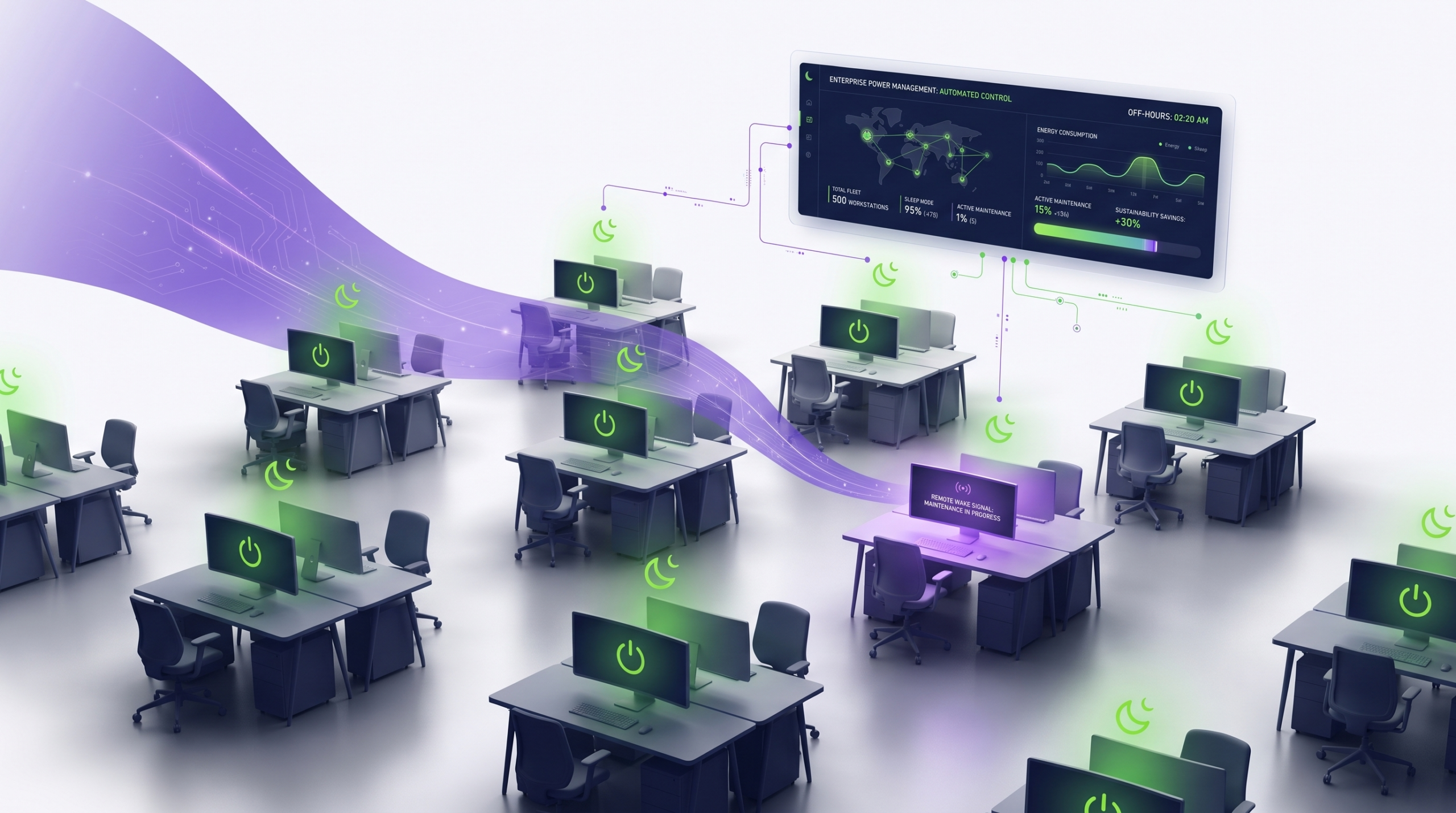
Manual audits are useful for establishing a baseline, but they are a snapshot, not an ongoing control. Sustained per-employee energy savings typically require centralized policy enforcement across the fleet, rather than relying on individual employees to configure settings correctly and consistently.
Automated power management platforms can apply consistent sleep, shutdown, and wake schedules across an entire office or organization, adjust policies by department or shift pattern, and report on actual compliance rather than assumed behavior. This shifts the work from a one-time project to a managed, measurable program.
The Core Formula and Benchmarks
At its simplest, the energy savings per employee calculation office formula divides total measured or estimated workstation-related energy consumption (in kWh) over a period by the number of employees covered, then compares that figure before and after intervention.
The table below outlines how manual and automated approaches typically differ in practice.
| Approach | Data Granularity | Consistency Over Time | Typical Effort |
|---|---|---|---|
| Spreadsheet-based audit | Sample-based, periodic | Degrades without repeat audits | Moderate, manual |
| Building-level utility analysis | Low; aggregated across all loads | Stable but not workstation-specific | Low, but low precision |
| Automated power management | Per-device, continuous | Maintained through enforced policy | Low after initial setup |
What data do I need to start an energy savings per employee calculation office project?
At minimum, you need a representative sample of workstation power states (active, idle, and overnight) plus an accurate employee or device count. More granular data by department improves accuracy but is not required to get started.
How often should the per-employee figure be recalculated?
Many organizations revisit the calculation quarterly or after significant changes such as office moves, hardware refreshes, or shifts in hybrid work patterns, since these can materially change the baseline.
Is a manual audit enough, or do I need automated tooling?
A manual audit is a strong starting point for establishing a baseline. Automated tooling becomes valuable when you want to maintain and enforce savings continuously without repeating manual data collection.
Does this calculation apply to remote or hybrid employees?
The core method applies primarily to office-based workstations. For hybrid teams, most organizations scope the calculation to on-site devices and days, since remote power use falls outside typical office energy management programs.
Ready to Turn Audit Data Into Ongoing Savings?
PowerPlug helps enterprise IT and facilities teams move from one-time per-employee audits to continuous, automated power management across every workstation.
Talk to PowerPlugEnterprise PC Power Management
PowerPlug helps enterprise IT and sustainability teams manage PC power consumption across large, distributed device fleets. The platform centralizes power policy enforcement, gives visibility into workstation-level energy use, and supports the kind of ongoing data organizations need for accurate, auditable per-employee energy reporting.