
Automated Power Policies Cost Savings: How Enterprises Cut IT Energy Spend
A practical look at how automated power policies cost savings translate into measurable budget impact, what to measure, and how to roll out policies without disrupting users.
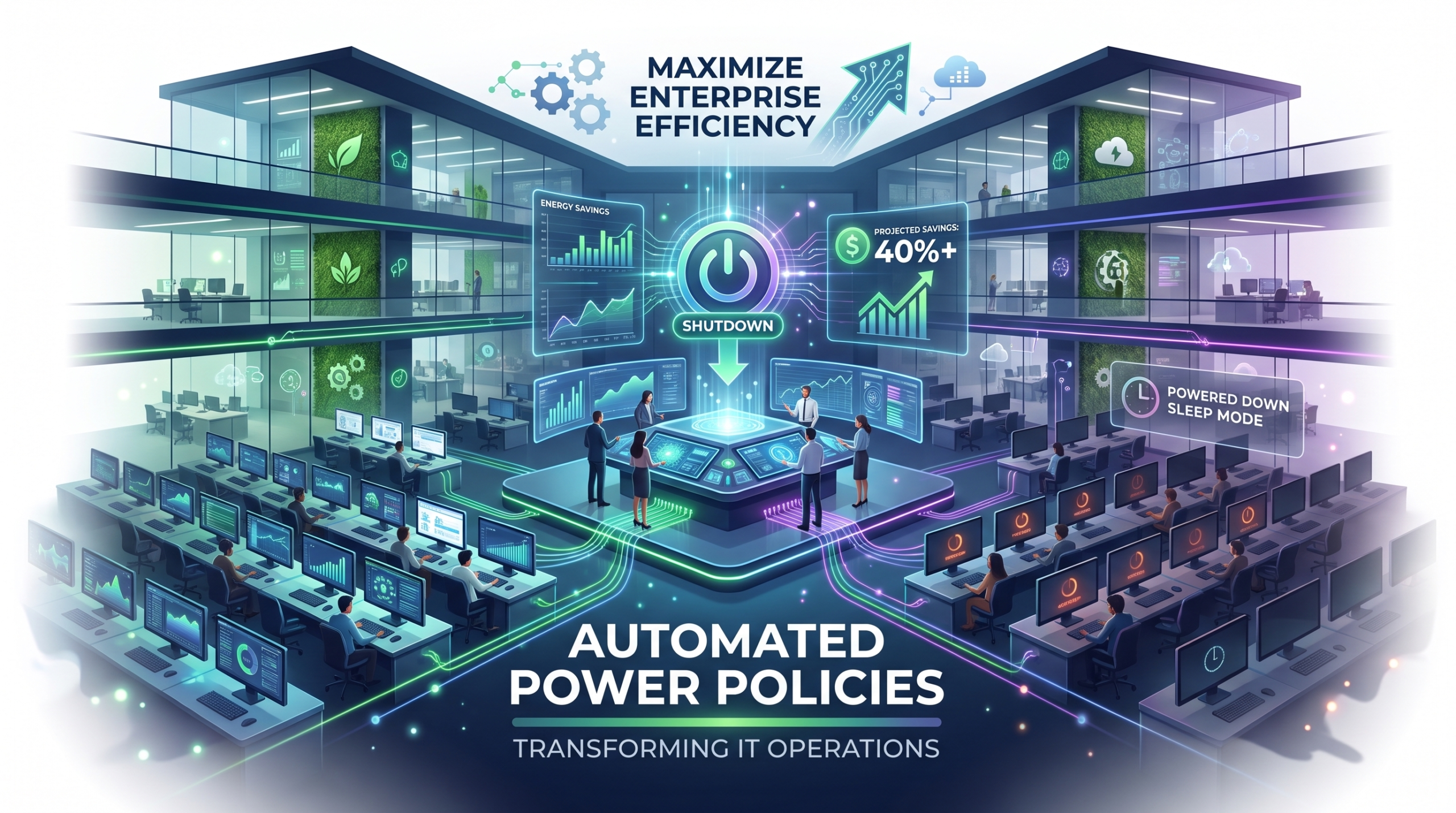
Across distributed enterprises, automated power policies cost savings are becoming a measurable line item in IT budgets rather than a sustainability talking point. As fleets of laptops and desktops scale across hybrid offices and remote teams, manual power management no longer holds up — and policy-driven automation is filling the gap with consistent, auditable results.
Article NavigationTable of Contents
- Automated power policies cost savings come primarily from idle-time enforcement, not from any single dramatic change.
- Hybrid workforces amplify savings potential because device usage patterns are less predictable than in fixed-office models.
- Well-designed policies do not measurably slow down employees when wake and resume behavior is configured correctly.
- Centralized visibility is what turns power management from a one-time project into a sustained cost reduction program.
What Automated Power Policies Actually Do
Automated power policies are rule sets applied centrally across an organization’s PC fleet to govern sleep, hibernation, display timeout, and shutdown behavior. Instead of relying on individual users to adjust settings — or hoping default operating system behavior is good enough — IT teams define policies once and enforce them consistently across thousands of endpoints.
The shift from manual to automated control is where most of the automated power policies cost savings originate. Devices left running overnight, idle during long meetings, or active outside business hours represent a steady, compounding drain that is invisible on a day-to-day basis but significant when aggregated across an entire device fleet over a full year.
Why Manual Settings Fall Short
Operating system defaults are typically tuned for individual user convenience, not organizational efficiency. Users frequently disable sleep settings to avoid interrupted downloads or video calls, which means inconsistent enforcement is the norm rather than the exception in environments without centralized policy management.
Sleep Mode ROI for Hybrid Workforces
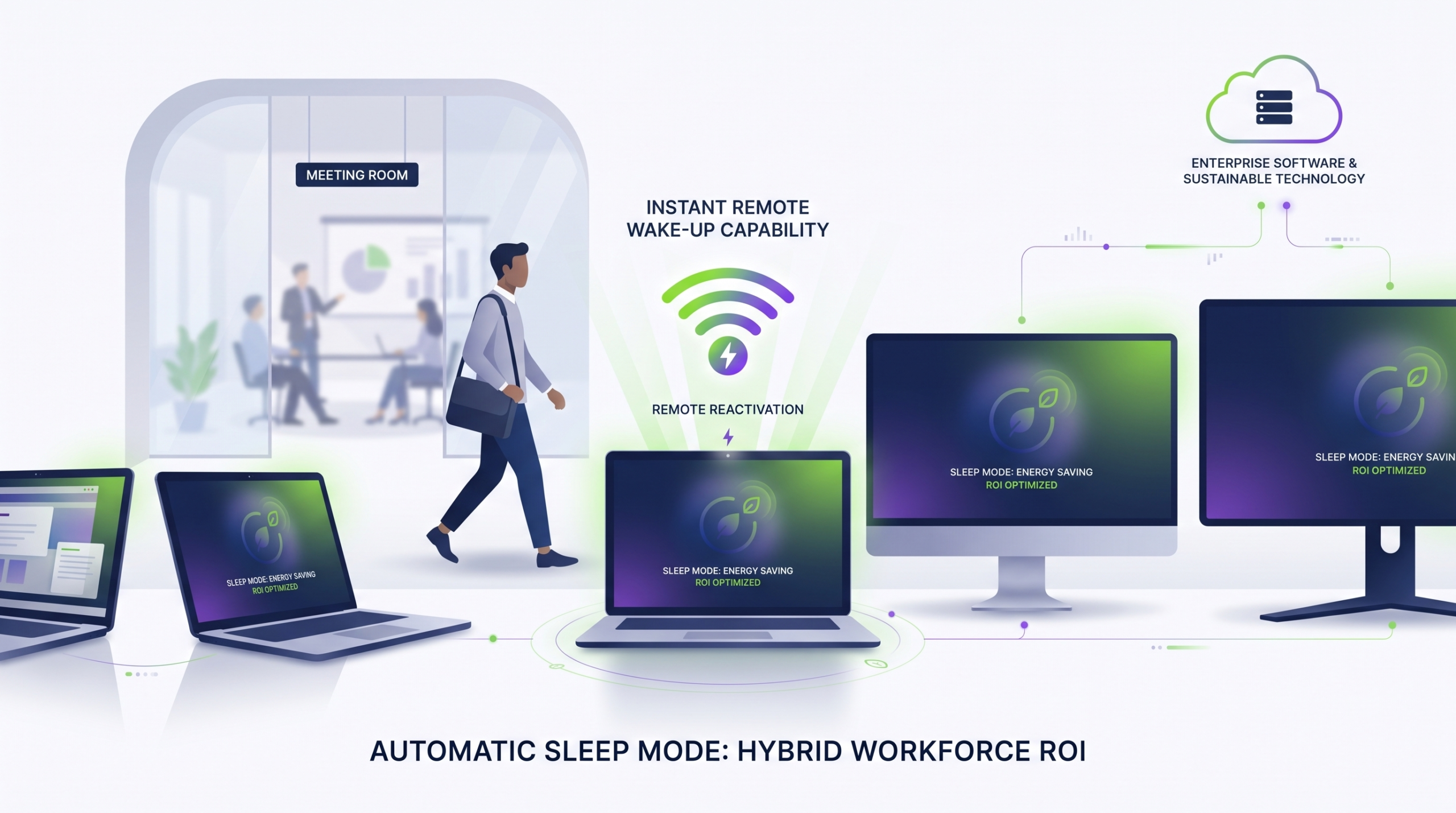
Hybrid work arrangements complicate power management because devices move between home, office, and transit, and usage hours vary by employee and by day. This unpredictability is exactly why automated sleep mode policies tend to deliver outsized returns in hybrid environments compared to fixed-schedule office settings.
Assessing automatic sleep mode ROI for a hybrid workforce starts with understanding actual idle time, not assumed idle time. Devices left awake on a home network overnight, or laptops staying active in transit bags, are common scenarios that automated policies are specifically designed to catch and correct without requiring any user action.
See Automated Power Policy Savings in Your Own Fleet
PowerPlug helps IT teams design, deploy, and monitor power policies across distributed device fleets — without disrupting how employees work.
Request a ConsultationWill Automated Power Management Disrupt Employee Productivity?
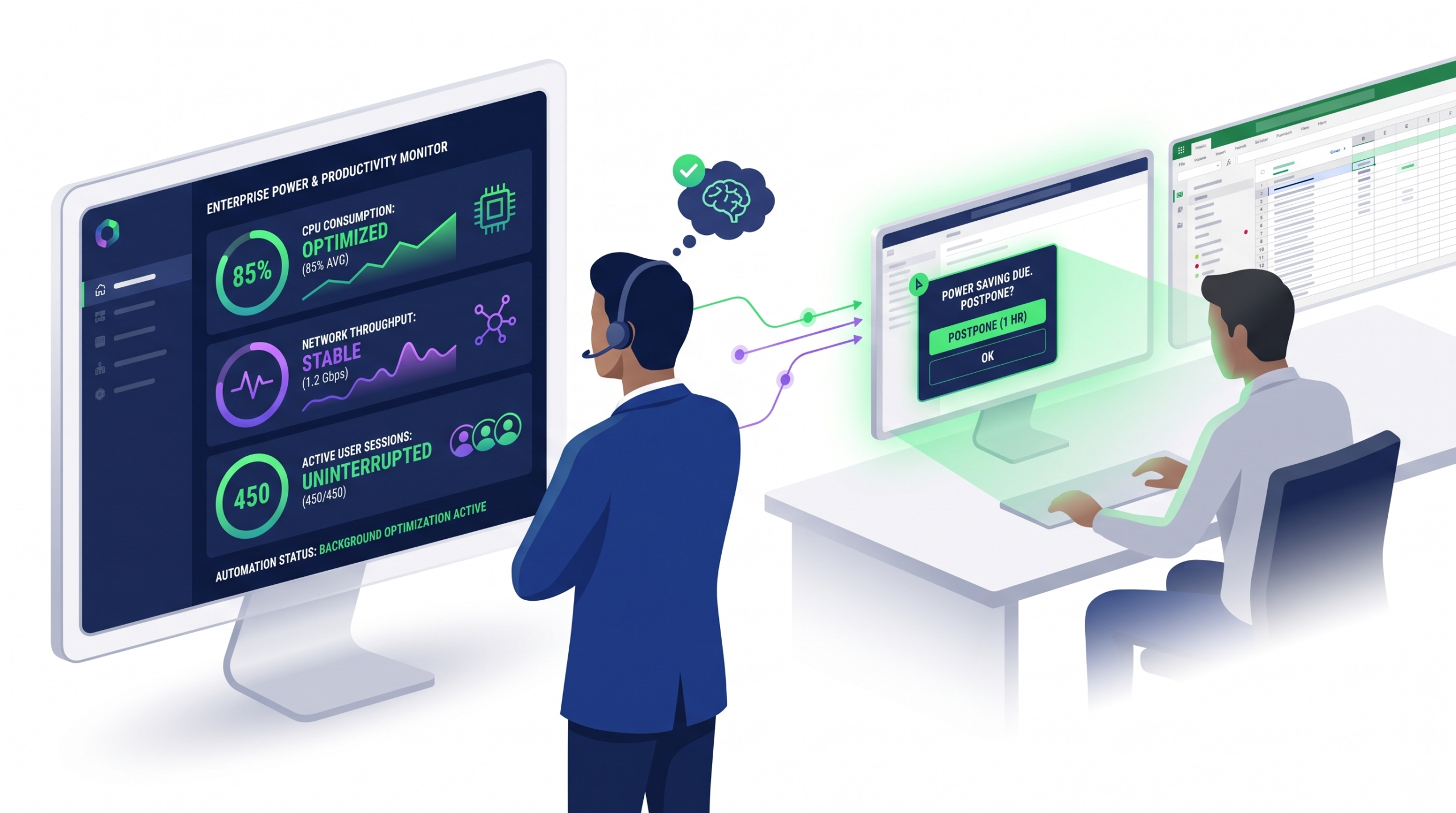
This is the most common concern IT leaders raise before adopting power automation, and it is a reasonable one. Poorly configured sleep policies — short timeouts, slow wake behavior, or inconsistent resume states — can genuinely frustrate users and create friction during active work.
However, the productivity risk is largely a configuration issue rather than an inherent limitation of automation itself. Modern policy engines allow IT teams to differentiate behavior by device role, time of day, and active application state, so a device actively running a presentation behaves differently than one sitting untouched at 2 a.m.
Designing Policies That Respect Work Patterns
- Set longer idle thresholds during core business hours and shorter ones outside them.
- Exclude or adjust policies for devices actively running presentations, builds, or long-running processes.
- Ensure wake-from-sleep performance is fast enough that users do not perceive a delay.
- Pilot policy changes with a small group before fleet-wide rollout to surface edge cases early.
Implementation Best Practices
Rolling out automated power policies works best as a phased program rather than a single fleet-wide switch. Starting with a baseline assessment of current device usage and idle patterns gives IT teams a realistic picture of where the largest savings opportunities exist before any policy changes are made.
| Implementation Phase | Primary Focus | Typical Outcome |
|---|---|---|
| Baseline Assessment | Measure current idle time and energy usage across device groups | Clear visibility into where waste is concentrated |
| Policy Design | Define rules by device role, location, and working hours | Policies aligned with actual usage rather than defaults |
| Pilot Rollout | Apply policies to a limited group and gather feedback | Early detection of wake-time or workflow issues |
| Fleet-Wide Deployment | Extend validated policies across the full device fleet | Consistent enforcement and centralized reporting |
| Ongoing Monitoring | Track savings and adjust policies as work patterns evolve | Sustained, compounding cost reduction over time |
Cost Savings Benchmarks Worth Tracking
Quantifying automated power policies cost savings is easiest when IT teams track a small set of consistent metrics over time, rather than trying to estimate total impact from a single snapshot. Useful benchmarks include average idle hours per device, percentage of fleet compliant with sleep policy, and energy cost per device before and after rollout.
Tracking these benchmarks over multiple quarters also helps distinguish genuine policy-driven savings from seasonal variation in office occupancy, travel, or remote work adoption — keeping reported savings credible and defensible internally.
Frequently Asked Questions
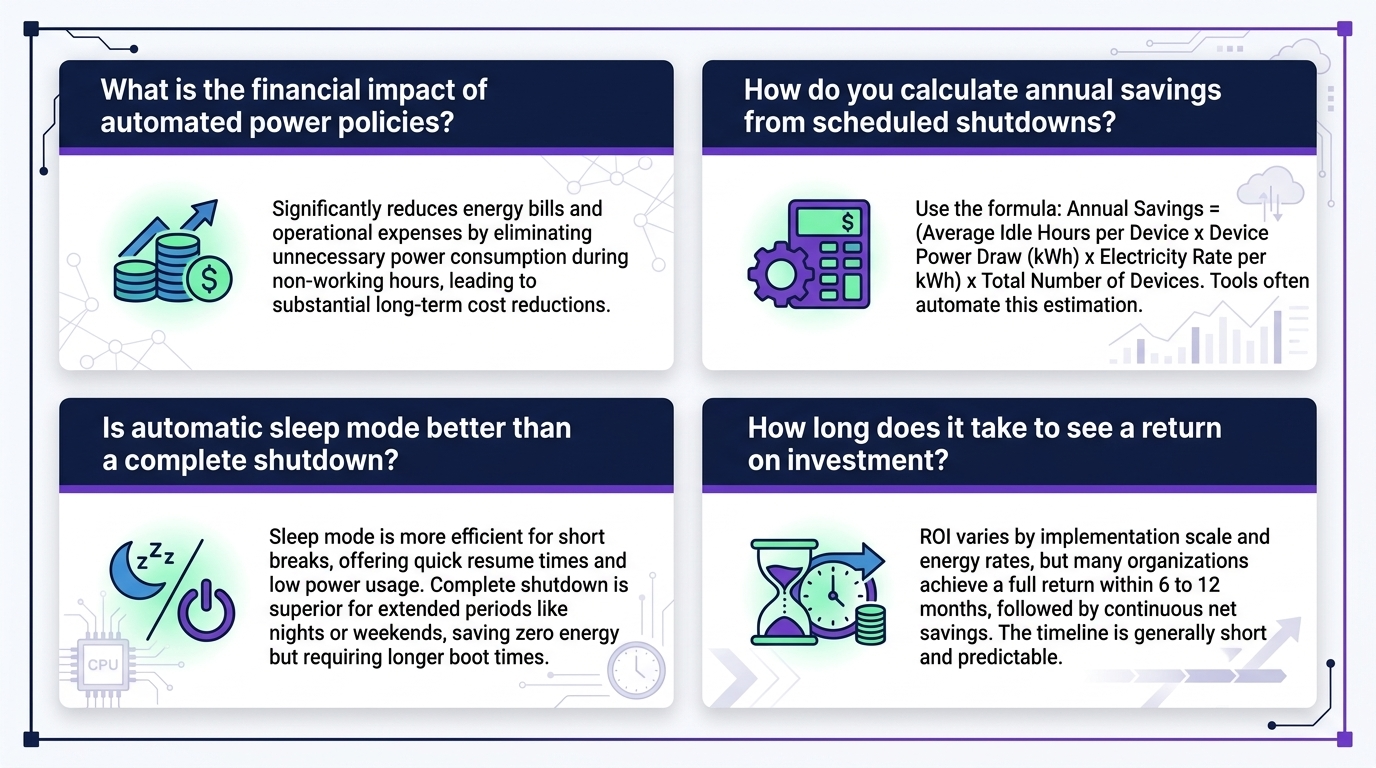
How quickly do automated power policies typically start showing savings?
Savings generally become visible once policies are enforced consistently across a meaningful share of the fleet, since the effect is cumulative across many devices and idle hours rather than tied to a single dramatic change.
Do automated power policies require replacing existing hardware?
No. Power policies are typically applied through software-based management on existing devices, which is part of why they are attractive as a lower-friction efficiency lever compared to hardware refresh programs.
Can policies be different for different teams or device types?
Yes. Policies can generally be segmented by device role, location, or working hours, which allows IT teams to balance energy savings against the operational needs of different teams.
What is the biggest risk when rolling out power automation?
The most common risk is poorly tuned wake or resume behavior that frustrates users, which is why a phased pilot rollout before fleet-wide deployment is generally recommended.
Turn Idle Time Into Measurable Savings
PowerPlug gives enterprise IT teams centralized visibility and control over power policies across the entire PC fleet — built for hybrid workforces and distributed operations.
Explore the PowerPlug PlatformEnterprise PC Power Management, Built for Scale
PowerPlug helps enterprise IT teams manage PC power policies across distributed device fleets, turning idle-time waste into measurable, ongoing cost savings without disrupting how employees work.