
PC Power Management Software Comparison 2026
How leading IT and sustainability teams use intelligent power management to reduce PC energy waste, lower electricity bills, and meet corporate ESG targets — without disrupting the workforce.
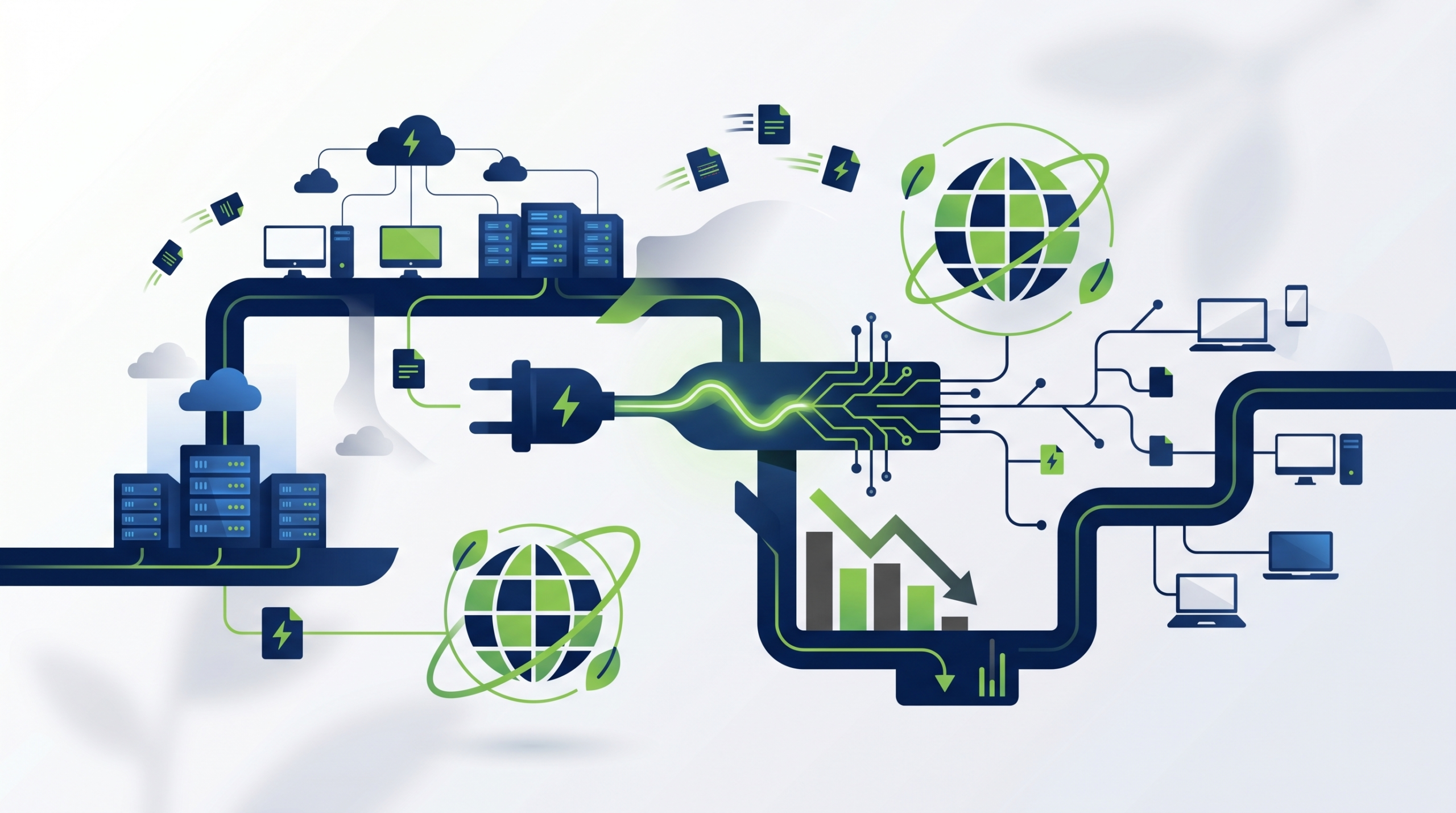
Enterprise PCs consume far more energy than most organizations realize. Monitors left on overnight, workstations that never sleep, laptops running at full brightness around the clock — this invisible waste adds up to significant costs and carbon emissions. PC power management is the discipline of taking control of that consumption through policy, automation, and intelligent software — and it has become a strategic priority for IT, finance, and sustainability leaders alike.
Article Navigation Table of Contents
What Is PC Power Management?
PC power management refers to the practice of controlling how and when computers consume electricity — across an entire organization’s endpoint fleet. At its core, it means ensuring that desktops, laptops, and monitors enter low-power states (sleep, hibernate, or full shutdown) when they are not actively in use, rather than running at full power indefinitely.
In an enterprise context, power management goes well beyond the basic Windows or macOS power settings that individual users control. It involves centralized policy enforcement across thousands of endpoints, real-time monitoring of consumption, automated scheduling, override management for IT processes, and detailed reporting for finance and ESG stakeholders.
The Difference Between Basic Settings and Enterprise Power Management
Most operating systems include built-in power profiles that allow users or administrators to set screen timeout and sleep timers. However, these settings have significant limitations at enterprise scale:
- Users frequently override or disable them for convenience, eliminating any energy savings.
- They lack centralized reporting, so IT teams cannot verify compliance or measure impact.
- They cannot account for business hours, shift patterns, or device-specific roles.
- They offer no integration with IT operations, patch management windows, or after-hours maintenance jobs.
- They cannot distinguish between an idle machine and one running a legitimate background task.
Enterprise PC power management software solves all of these problems by adding a management layer that sits above the operating system, enforcing policies consistently, intelligently, and measurably across the entire fleet.
Why PC Power Management Matters for Enterprise
The business case for enterprise PC power management rests on three converging priorities: cost reduction, carbon reduction, and regulatory compliance. These are no longer niche IT concerns — they sit at the intersection of financial performance and corporate responsibility.
The Scale of the Problem
A single desktop PC left on continuously consumes roughly 200–300 kWh per year when idle. Multiply that across 5,000 endpoints and the waste becomes enormous. In most enterprise environments, studies consistently show that the majority of PCs are left powered on outside of working hours — over weekends, during holidays, and through the night — with no productive work being performed.
| Scenario | Annual Energy Waste (est.) | Annual Cost Impact (est.) | CO₂ Equivalent (est.) |
|---|---|---|---|
| 1,000 desktops always on | 250,000 kWh | $37,500–$62,500 | ~112 tonnes CO₂ |
| 5,000 desktops always on | 1,250,000 kWh | $187,500–$312,500 | ~560 tonnes CO₂ |
| 10,000 desktops always on | 2,500,000 kWh | $375,000–$625,000 | ~1,120 tonnes CO₂ |
Estimates based on typical desktop consumption of ~250 kWh/year when idle and an average electricity cost of $0.15–$0.25/kWh. Actual figures vary by region and hardware.
Regulatory and ESG Drivers
Corporate sustainability reporting requirements are tightening globally. Frameworks such as the EU Corporate Sustainability Reporting Directive (CSRD), the SEC climate disclosure rules, and ISO 14001 environmental management standards are pushing organizations to quantify and reduce Scope 2 emissions — which include electricity consumption from IT equipment. PC power management provides both the reduction mechanism and the audit-ready data trail needed to support these disclosures.
The IT Angle: Operational Benefits
Beyond energy, IT teams gain operational advantages from centralized power management. Scheduled shutdowns reduce wear on hardware, extending device lifecycles. After-hours patch windows can be coordinated with wake-on-LAN events that bring machines online specifically for updates, then return them to a powered-down state — improving patch compliance without requiring machines to stay on indefinitely.
See How Much Your Fleet Could Save
PowerPlug’s platform gives you real-time visibility into PC energy consumption across your entire endpoint estate. Discover your potential savings in a personalized consultation.
How Enterprise PC Power Management Works
Modern enterprise power management solutions operate through a combination of lightweight endpoint agents, centralized management consoles, policy engines, and reporting infrastructure. Understanding the mechanics helps IT leaders evaluate and deploy solutions effectively.
The Endpoint Agent
A small software agent is deployed to each managed endpoint — typically via existing software distribution tools such as Microsoft SCCM, Intune, or similar platforms. The agent monitors user activity, enforces power policies, and reports consumption data back to the central management platform. Crucially, a well-designed agent is intelligent enough to detect when a machine is genuinely idle versus when it is performing a legitimate background task (such as a backup, antivirus scan, or software update), and it will defer power-saving actions accordingly.
Policy Engine and Scheduling
The policy engine is the brain of the system. Administrators define rules that specify when and how power transitions should occur. Policies can be granular:
- Different power profiles for different departments, roles, or geographic locations.
- Scheduled shutdown and wake times aligned with shift patterns and business hours.
- Maintenance windows that automatically wake machines for patch deployment, then power them down again.
- User-initiated override requests with configurable duration and approval workflows.
- Exceptions for servers, kiosk machines, or devices that must remain available 24/7.
Wake-on-LAN Integration
Wake-on-LAN (WoL) is a network standard that allows a machine to be powered on remotely by sending a special network packet. Enterprise power management solutions use WoL to bring endpoints online for scheduled IT tasks — software deployment, vulnerability scanning, asset inventory — without requiring them to remain powered on permanently. This is one of the most operationally significant features for IT teams, as it reconciles the needs of power saving with the demands of patch and compliance management.
Centralized Monitoring and Reporting
All agent activity is reported to a central console, giving IT and sustainability managers a real-time and historical view of power states, energy consumption, policy compliance, CO₂ avoided, and cost savings. This data can be exported for inclusion in sustainability reports, board-level dashboards, or financial analysis.
Key Features to Look For in a PC Power Management Solution
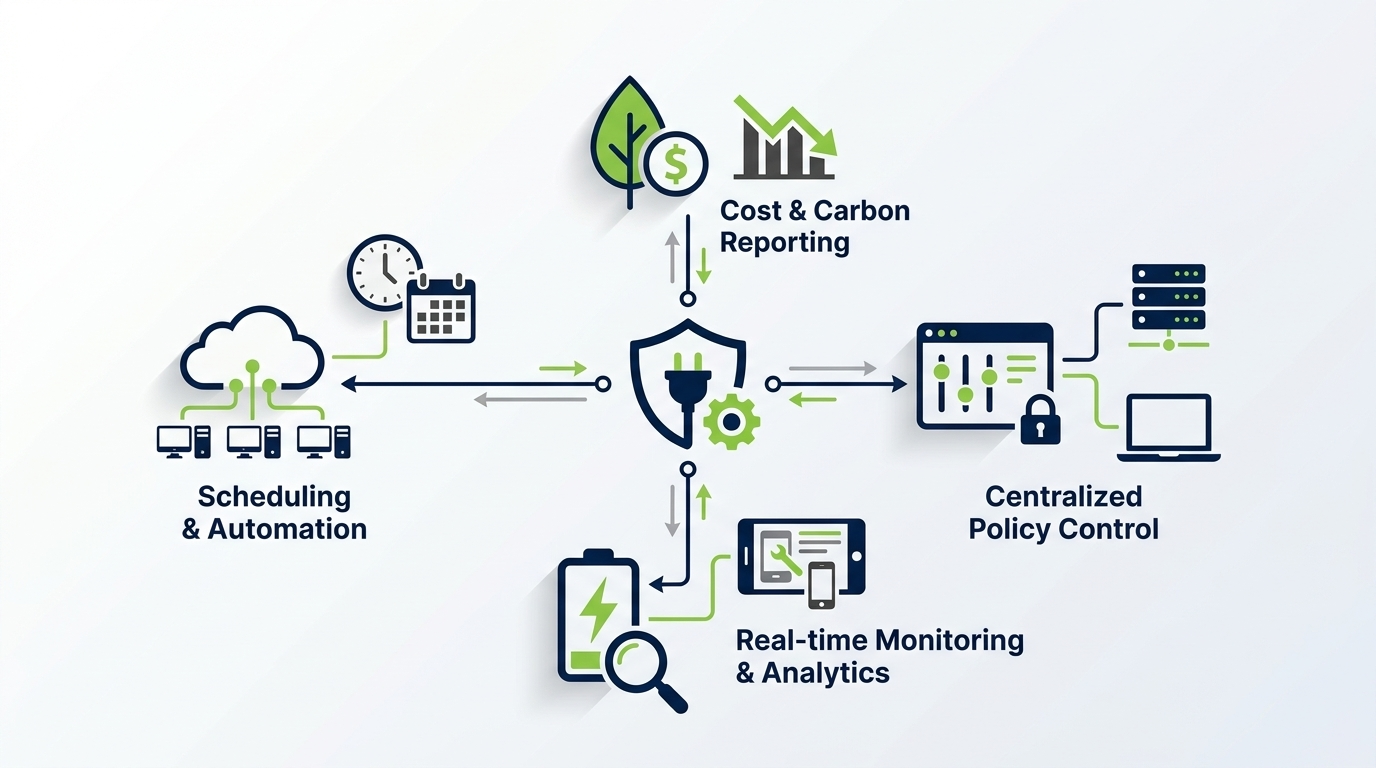
Not all power management tools are equal. When evaluating solutions for enterprise deployment, these are the capabilities that separate effective platforms from basic utilities.
Essential Capability Checklist
- Centralized policy management — Define, apply, and update policies across the entire fleet from a single console, without requiring endpoint-by-endpoint configuration.
- Intelligent idle detection — Distinguish between a genuinely idle machine and one running background processes, preventing premature sleep that disrupts IT operations.
- Wake-on-LAN support — Enable remote wake for scheduled maintenance, updates, and asset management without keeping machines permanently powered on.
- Real-time consumption monitoring — Track actual energy use per device, department, site, or the full fleet, with dashboards accessible to IT and sustainability teams.
- CO₂ and cost reporting — Translate energy data into financial savings and carbon reduction metrics in formats suitable for ESG reports and executive briefings.
- User override management — Allow users to request temporary overrides with configurable duration and optional approval, maintaining productivity without undermining policy.
- Integration with existing IT tools — Deploy via SCCM, Intune, or similar; integrate with ITSM and asset management platforms; export data via APIs or standard formats.
- Scalability and multi-site support — Handle tens of thousands of endpoints across geographically distributed environments with consistent policy enforcement.
- Audit trail and compliance reporting — Maintain detailed logs of power events, policy compliance, and exceptions for internal audit and regulatory reporting purposes.
What Separates Leading Solutions
The most capable enterprise platforms, like PowerPlug, go further by providing predictive analytics that identify high-consumption outliers, automated policy optimization based on usage patterns, and carbon accounting features aligned with recognized ESG frameworks. They also invest heavily in minimizing the end-user impact of power policies, using machine-learning approaches to understand individual usage patterns and time power transitions to moments of genuine inactivity.
Energy Savings and ROI: What to Realistically Expect
The return on investment for enterprise PC power management is typically one of the fastest in the IT portfolio. Because energy waste is continuous and the software addresses it immediately upon deployment, savings begin accumulating from day one.
Typical Savings Ranges
Organizations deploying a well-configured enterprise power management solution typically see reductions in PC energy consumption ranging from 30% to 60%, depending on the baseline state of their environment. Environments where most PCs were previously left on 24/7 with no sleep policies will see the greatest gains. Those that already had partial policies in place will still typically see 15–30% additional savings through better policy enforcement and intelligent management.
Calculating Your Baseline
A realistic ROI calculation requires understanding your current baseline consumption. Key inputs include:
- Number of managed endpoints (desktops, laptops, monitors).
- Average watts consumed per device type at idle and active states.
- Number of hours per day devices are powered on but unproductive.
- Local electricity cost per kWh.
- Carbon intensity of local electricity grid (for CO₂ calculations).
Beyond Direct Energy Savings
Organizations should also account for secondary financial benefits when calculating ROI:
- Extended hardware lifecycle — Reducing unnecessary power cycling and heat buildup can meaningfully extend the lifespan of endpoints, deferring refresh cycles.
- Reduced IT overhead — Automated wake-and-patch workflows reduce the manual effort required to achieve patch compliance, freeing IT staff for higher-value work.
- ESG reporting efficiency — Automated carbon and energy reporting reduces the man-hours previously spent manually compiling sustainability data.
- Carbon credit and offset cost avoidance — Organizations with net-zero commitments that purchase carbon credits can reduce offset requirements through genuine energy reduction.
ESG and Sustainability Reporting: Turning Power Data into Strategic Value
For sustainability officers and CFOs navigating an increasingly demanding reporting environment, PC power management has evolved from an operational nicety to a strategic data source. The energy consumption data generated by an enterprise power management platform provides exactly the granular, auditable, and continuous measurement that ESG frameworks require.
Aligning with Recognized Frameworks
Enterprise power management data can be mapped to reporting requirements under several major sustainability and climate disclosure frameworks:
| Framework / Standard | Relevant Requirement | How Power Management Supports It |
|---|---|---|
| GHG Protocol | Scope 2 electricity emissions accounting | Provides kWh consumption data per site, department, or fleet for Scope 2 calculation |
| EU CSRD / ESRS | Energy consumption and climate mitigation disclosures | Delivers auditable energy reduction evidence and CO₂ avoidance metrics |
| ISO 14001 | Environmental performance measurement | Supports continuous monitoring and improvement documentation |
| CDP Climate Disclosure | Energy use and emission reduction initiatives | Provides quantified initiative data with before/after comparison |
| Science Based Targets (SBTi) | Measurable, time-bound emission reductions | Enables target-setting and progress tracking against PC energy baselines |
Making the Data Boardroom-Ready
Raw energy data is valuable, but enterprise sustainability leaders need it translated into business language. Leading power management platforms provide reporting that converts kWh figures into CO₂ equivalents, financial savings, and year-on-year improvement trends — in formats ready for annual reports, board presentations, and external auditor review.
Critically, the data should be continuous and automated. Manual data collection exercises are resource-intensive and prone to error. A properly deployed power management platform provides always-on measurement, eliminating the need for periodic sampling or estimation.
Deployment, Change Management, and User Adoption
Even the most technically capable power management solution will underperform if deployment is poorly managed or if user resistance erodes policy compliance. Successful enterprise deployments share common practices in IT readiness, stakeholder communication, and ongoing governance.
Technical Deployment Considerations
- Use existing software distribution infrastructure — Deploy the agent via SCCM, Intune, JAMF, or equivalent tools to leverage existing processes and avoid additional complexity.
- Start with a pilot group — Deploy to a representative sample of 100–500 devices first, validate policy behavior, measure savings, and collect user feedback before fleet-wide rollout.
- Identify and exclude exceptions early — Catalogue devices that must remain on (shared workstations, kiosk machines, lab equipment) and configure appropriate exceptions before broader deployment.
- Configure maintenance windows carefully — Align WoL and patch schedules with existing IT operations calendars to avoid conflicts with backup jobs, replication windows, or business-critical processes.
- Test wake-on-LAN across network segments — WoL behavior can vary across VLANs and subnets; validate functionality in your network environment before relying on it for patch compliance.
Change Management and Communication
Employee communication is frequently underestimated in power management projects. Users whose machines begin sleeping or shutting down on schedule — particularly if they were not forewarned — may experience confusion or frustration. A proactive communication plan should include:
- Advance notice to all affected users explaining what is changing, why, and what to expect.
- Clear guidance on how to request a temporary override when genuinely needed (for presentations, long calculations, or after-hours work).
- A visible feedback channel for issues encountered during rollout.
- Leadership endorsement framed around sustainability commitments and cost responsibility.
Ongoing Governance
Power management is not a set-and-forget deployment. Effective ongoing governance includes regular policy reviews as the fleet changes, monitoring of override usage patterns to identify policy friction points, and periodic reporting to stakeholders on savings achieved. Organizations that treat power management as a live programme rather than a one-time project consistently achieve and sustain higher savings rates.
Choosing the Right PC Power Management Solution
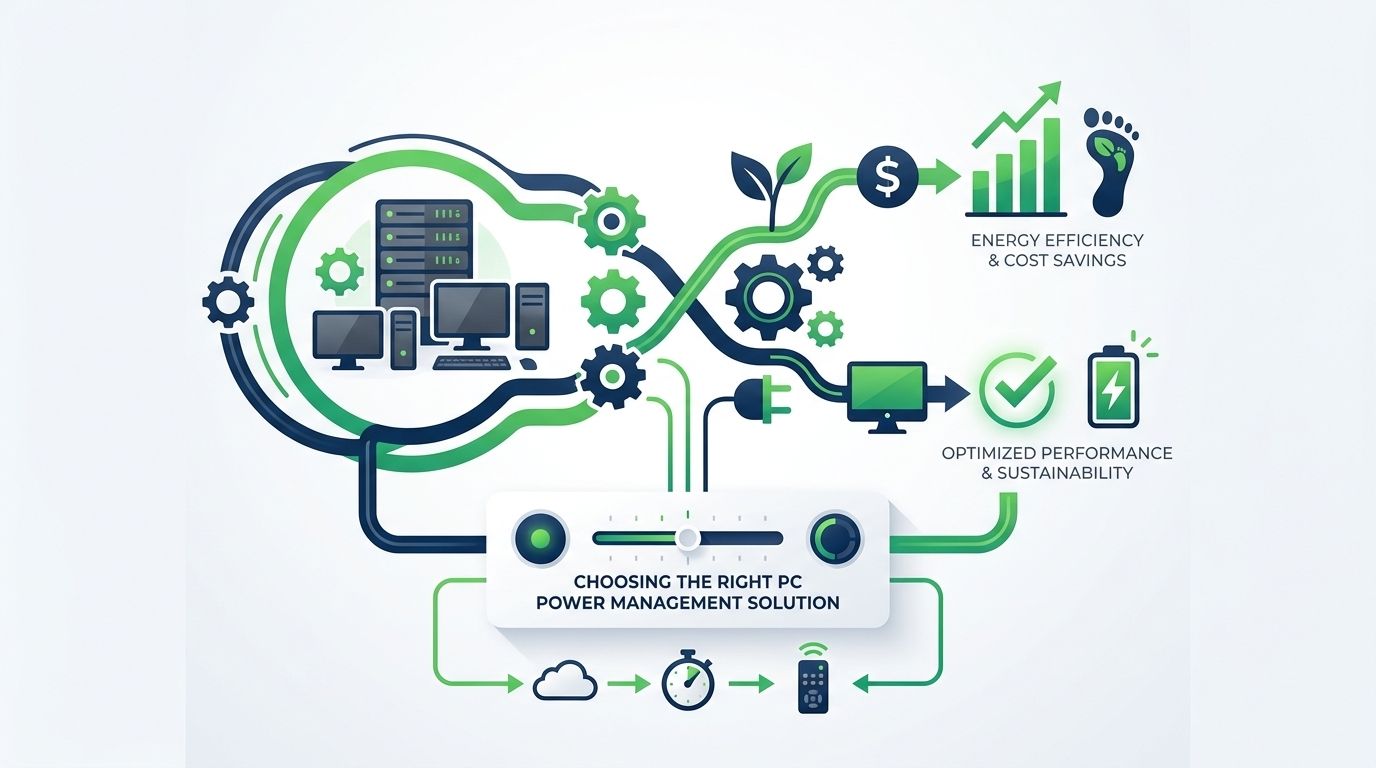
The enterprise power management market includes a range of options, from free operating system tools to purpose-built enterprise platforms. Understanding the tradeoffs helps IT and procurement teams make an informed decision aligned with organizational scale and requirements.
| Approach | Best For | Key Limitations | ESG Reporting |
|---|---|---|---|
| OS built-in power settings | Very small organizations, minimal requirements | No central management, easily overridden, no reporting | None |
| Group Policy (GPO) | Windows-only fleets with basic needs | Limited flexibility, no real-time monitoring, no WoL orchestration | Minimal |
| Endpoint management platforms (SCCM/Intune power features) | Organizations already invested in Microsoft ecosystem | Generic power features, limited analytics, no dedicated ESG reporting | Basic |
| Dedicated enterprise power management (e.g. PowerPlug) | Mid-to-large enterprises with cost, compliance, and ESG requirements | Investment required; benefits scale with fleet size | Comprehensive, audit-ready |
When a Dedicated Solution Is the Right Choice
Organizations with more than 500 endpoints, active sustainability commitments, or regulatory reporting obligations will consistently find that dedicated enterprise power management platforms justify their investment. The combination of intelligent policy enforcement, detailed consumption analytics, ESG reporting, and proven savings at scale — which purpose-built solutions provide — is not replicable with generic endpoint management tools.
For organizations at 5,000+ endpoints, the financial case is typically unambiguous: annual energy savings will substantially exceed the software investment, often within the first year of deployment.
Ready to Take Control of Your PC Energy Consumption?
PowerPlug helps enterprises reduce PC energy waste by up to 60%, delivering measurable cost savings and audit-ready sustainability data from day one. Speak with our team to see how PowerPlug fits your environment.
Frequently Asked Questions
Will PC power management interrupt users who are actively working?
No. Enterprise power management solutions use activity detection to identify genuinely idle machines. If a user is actively using their PC — typing, moving the mouse, running a foreground application — the system will not intervene. Power-saving actions are only triggered after a configurable period of confirmed inactivity. Users can also request temporary overrides when they need their machine to remain active for an extended period.
What happens to IT operations that run overnight — backups, patches, antivirus scans?
This is managed through a combination of intelligent process detection and scheduled wake-on-LAN events. The agent can be configured to recognize specific processes and defer sleep while they are running. For scheduled IT tasks, maintenance windows can be defined that automatically wake machines at the required time, allow the task to complete, and then return the machine to a powered-down state — preserving both patch compliance and energy savings.
How long does it typically take to deploy PC power management across a large fleet?
Deployment timelines depend on fleet size, existing IT infrastructure, and the complexity of required policies. For most enterprise environments, agent deployment via existing tools (SCCM, Intune, etc.) can be completed across thousands of endpoints within days. Initial policy configuration, testing, and validation typically add two to four weeks. A phased rollout beginning with a pilot group is recommended and does not significantly extend the overall timeline when planned well.
Can PC power management data be used for formal ESG and carbon reporting?
Yes. Purpose-built enterprise power management platforms, including PowerPlug, generate detailed, continuous, and auditable records of energy consumption, CO₂ avoidance, and savings over time. This data can be mapped to Scope 2 emissions accounting under the GHG Protocol, disclosed under frameworks such as the EU CSRD, and used in CDP or SBTi progress reporting. The data is continuous and automated, removing reliance on sampling or estimation.
Does PC power management work for remote and hybrid workers?
Yes. Modern enterprise power management solutions manage endpoints wherever they are connected — in the office, at home, or on a corporate network via VPN. Policies can be differentiated by device type, user group, or location context, allowing organizations to apply appropriate rules for office-based desktops, remote laptops, and hybrid workers across a single unified platform.
What fleet size justifies investing in dedicated PC power management software?
As a general guideline, organizations with 500 or more managed endpoints typically see clear financial justification for dedicated power management software, with the software cost recouped through energy savings within the first year. At 2,000+ endpoints, the savings potential is substantial and the ROI case is typically compelling even before considering ESG reporting and operational efficiency benefits. Smaller organizations may find value through a shared-cost or SaaS model.