By Nimrod Yedaya, VP Customer Experience
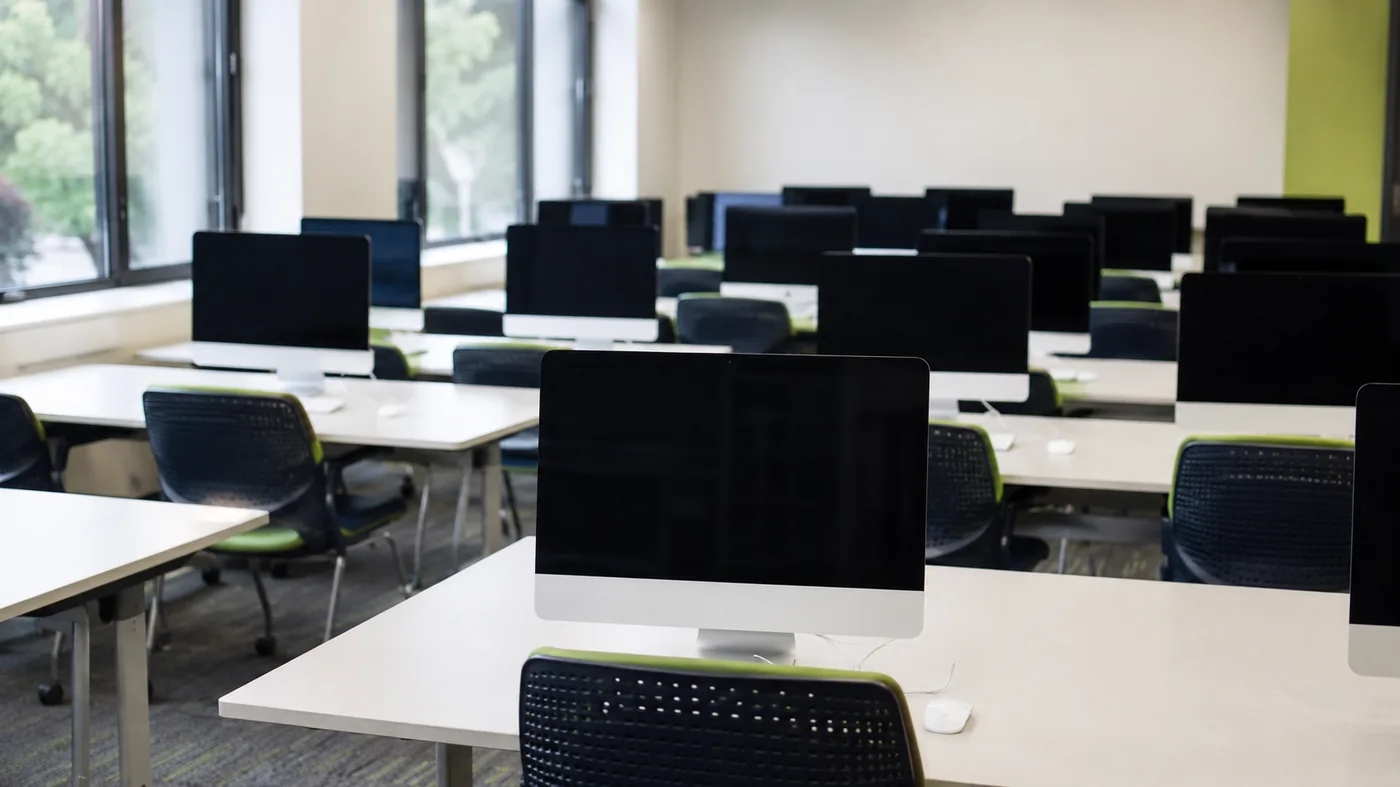
A university computer lab is busy for a few hours a day during term. Then term ends. Add the evenings, the weekends, reading weeks, and the long summer, and the average campus machine spends far more of the year switched on and unused than actually working.
That gap is where the electricity bill quietly grows.
Education runs on a dense estate of computers, in labs, classrooms, libraries, and offices, and most of them are idle most of the time. Managing that idle time is the single largest energy saving a campus can make without changing a timetable or asking anyone to work differently. Education PC power management is how you take it, while keeping every machine ready the moment teaching needs it.
The calendar nobody counts
Energy planning on a campus tends to assume machines are used the way the timetable implies. They are not.
A lab PC might see real use for four or five hours on a teaching day. The other nineteen or twenty hours it either sits idle or gets left on so it is ready for the morning. Now overlay the academic calendar. Weekends are quiet. Holidays are quieter. The summer break can leave whole buildings powered on for weeks with almost nobody in them. Our breakdown of how much electricity office PCs use when idle shows how little changes between a working machine and an idle one, which is why those empty hours cost almost as much as the busy ones.
What the idle hours actually cost
Take a modest estate of 1,500 machines across labs and offices. Each draws 60 to 100 watts idle. Assume they average sixteen hours a day powered on but unused, once you fold in evenings, weekends, and breaks.
One machine is a rounding error. Fifteen hundred are not.
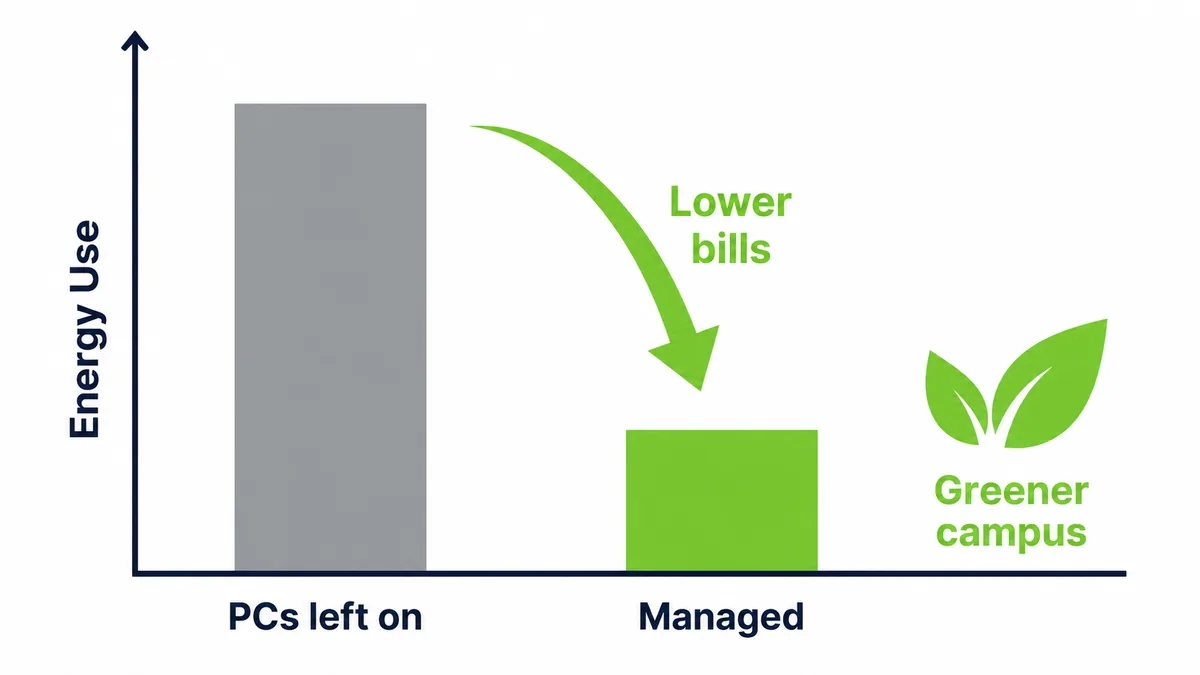
That pattern turns into tens of thousands spent every year on computers doing nothing, in a sector where every spare pound is contested. Buildings and their equipment are a major share of global electricity demand, as the International Energy Agency reports, and a campus packed with always-on machines sits right in the middle of that. Managed power cuts PC energy consumption by up to 60 percent, and the saving starts the first night, not the next budget cycle.
Why the reminder email never works
The first fix a school reaches for costs nothing. Send an email. Ask staff and students to shut down before they leave. Put a sign by the lab door.
It works until the first busy week.
Then a student leaves a render running, a lecturer keeps a machine on to reach it from home, and a whole lab stays lit because the last class ran late and nobody wanted to interrupt the person still working. None of them are careless. A policy that depends on hundreds of different people making the same choice every evening is not a policy, it is a hope. The version that holds is the one that needs nobody to remember, because the estate manages itself, which is the point of proper education IT management.
The trap of always ready
Here is the twist that catches campuses out. The pressure to have labs ready for the first class often defeats the saving entirely.
Because a machine that is asleep still has to be reachable, and because standard wake-up is unreliable across a multi-building network, the safe workaround becomes obvious. Set sleep to never. Leave the labs on. That way nothing is ever slow to start. The result is a campus that believes it has a power policy while quietly running most of its machines around the clock. Sleep only becomes a real saving when it is paired with a dependable way to wake the exact machines you need, when the timetable needs them.
Schedules built for labs and offices
Different spaces on a campus behave nothing alike, so the policy should not treat them alike.
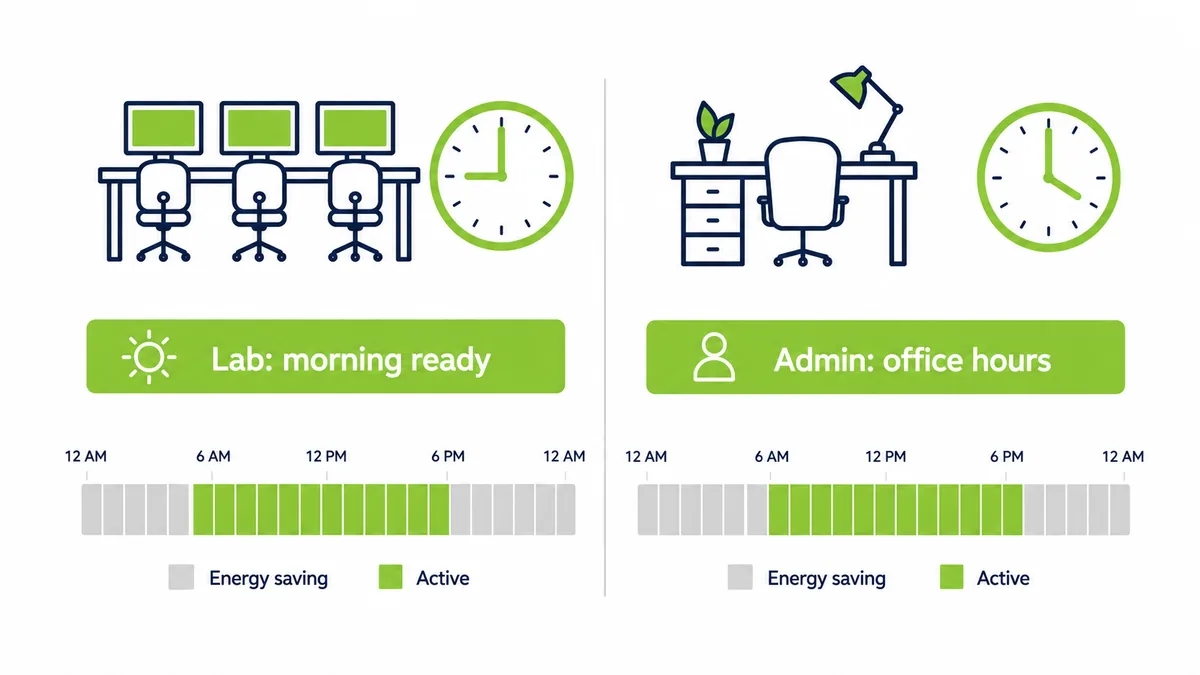
Customized power plans let IT set a schedule per group of machines. A teaching lab wakes before the first class and sleeps once the timetable clears. Administrative PCs follow office hours. A 24-hour study space stays available while a seasonal exam hall powers down for most of the year. The table below shows the same estate carrying several rhythms at once.
| Campus space | Real use pattern | Sensible power policy |
|---|---|---|
| Teaching lab | Timetabled classes, term only | Wake before class, sleep between and off in breaks |
| Open study area | Long hours, most of the year | Extended schedule, low-power overnight |
| Administrative office | Weekday office hours | Wake before shift, off evenings and weekends |
| Exam or seasonal room | Short intense periods | On by period, fully off otherwise |
No machine burns power in an empty room, and none is asleep when a class walks in.
Waking a multi-building campus
A campus is rarely one flat network. It is a collection of buildings, each with its own subnets and switches, which is precisely where naive wake-up breaks.
A standard Wake-on-LAN packet does not cross the subnet boundary, so a signal sent from central IT never reaches the lab in the building across the quad. A patented Wake-on-LAN Mesh carries the wake signal across those subnets and buildings without reconfiguring the network, so a schedule set centrally actually reaches every machine it is meant to. Coverage across the whole estate is what turns a good intention into a working policy.
The saving nobody expects: hardware that lasts longer
Energy is the headline, but it is not the only return.
A machine that runs around the clock ages faster than one that rests. Fans, drives, and power supplies all wear on hours of use, so a fleet left on continuously reaches replacement sooner. Cut the needless running hours and each machine lasts longer, which stretches a hardware budget that never stretches far enough and keeps working equipment out of the recycling stream longer. The power policy quietly becomes a procurement policy too, and understanding how power management works across the sleep, wake, and shutdown states is what makes that second saving deliberate rather than accidental.
Ready when teaching needs it
None of this can come at the cost of a lesson. So the wake-up side has to be as dependable as the shutdown side.
Scheduled wake brings labs up before class and pulls updates overnight, so patches land without leaving machines on all night to receive them. When a lecturer needs a specific classroom PC from home, or a technician has to handle an urgent fix, a Wake-Up Portal brings that machine back with a single click. Power saving runs by default, and steps out of the way the instant a person needs something.
Teaching the lesson by living it
There is a softer return that a school, of all places, should not ignore.
A campus that visibly manages its own energy is teaching sustainability by example rather than by slogan. Students see a policy that works, quietly, without anyone being asked to sacrifice access to a machine they need. It is a small thing next to the electricity saving, and it is the kind of small thing an institution built around learning is well placed to make count.
What education power management does not fix
It would be dishonest to claim this removes every problem. It does not upgrade an ageing lab, and it does not replace patch or security tooling. It makes those systems reliable, by guaranteeing the machines are awake when they are needed.
And it does not configure itself overnight.
There is setup. You map the estate, build schedules around the timetable, and confirm Wake-on-LAN is enabled across buildings. The work is modest and front-loaded, which is why the full return typically arrives in under four months. After that it is simply money the institution stops spending, every night, on machines nobody is using.
Idle is not the same as saving
A lab machine left idle feels almost free. It is not.
An idle desktop draws nearly as much as one in active use, because the processor rests while the power supply, memory, and fans keep going. Sleep helps, but a sleeping lab machine still has to be reachable for the morning class, or someone disables sleep to be safe. That is how a campus ends up believing it saves power while quietly running its labs around the clock. Real saving arrives only when a machine can drop to a low state and still wake the moment the timetable calls for it.
The slow morning nobody schedules
Energy is the visible cost. The lost teaching time is the one that stings.
When a lab is powered down without a reliable way to wake it, the first class of the day waits while thirty machines boot, reconnect, and finish the update that skipped them overnight. Multiply that across every lab and every teaching day and it becomes real minutes of instruction lost, plus a queue of tickets from staff who could not get a room ready in time. None of that appears on the electricity bill. All of it lands on the timetable.
Run the maintenance math
Picture a security update pushed to 1,500 campus machines overnight. If a fifth are switched off, 300 miss it and stay unpatched until a student or staff member logs in the next day.
Three hundred exposed machines, every cycle.
Now schedule those machines to wake for the window instead. They come up at one in the morning, take the update, and sleep again before the first class. The patch reaches the whole estate, the labs are protected on time, and nobody arrives to a machine mid-reboot. The update was never the problem. The problem was whether the machines were awake to receive it.
What changes between one lab and a whole campus
A single lab forgives mistakes. A technician can walk in and wake the machine that missed its schedule.
A campus of ten thousand machines does not.
At that size, a wake method that works most of the time still leaves hundreds of machines dark each morning, spread across buildings nobody has time to walk between. The hands-on fixes that kept one lab running stop scaling, because there is no one free to chase the exceptions across a whole estate. Scale changes the nature of the task, from something a technician handles by hand into a process that has to run on its own.
A saving that goes straight back to teaching
Most savings in education come with a sacrifice attached. A cut program, a larger class, a delayed upgrade.
This one does not.
Nobody loses access to a machine they need, no class is disrupted, and no student notices anything except that the lab is ready when they arrive. The money simply stops leaving the building overnight, and it can go where an institution always needs it, into teaching and the tools that support it. For a sector that fights for every pound, a cost you can remove without a trade-off is worth more than its size alone suggests.
The quiet win for campus IT
There is a benefit here for the people who keep the estate running, not just the finance office.
Because schedules, permissions, and wake events sit in one console, the daily overhead of a scattered, multi-building fleet drops. Fewer walks across campus to wake a lab, fewer calls from staff who cannot reach a machine from home, and a clear record of every wake. A small campus IT team spends less time on the mechanics of access and more on the work only they can do, which is a saving counted in hours as much as in energy.
Where institutions feel it most
The campuses that feel this hardest are the ones with the densest computing and the longest calendars.
Large research universities, colleges with open-access labs, and institutions running round-the-clock study spaces all carry fleets that idle for enormous stretches of the year. For them the idle-PC line runs into serious money, and it is one of the few costs they can cut this term without touching a course, a post, or the student experience.
The number that ends the debate
Campus budgets are argued over line by line, so it helps that this line barely needs arguing.
Take 1,500 machines wasting even a small amount each in overnight and holiday power. Across a full academic year the total runs well into five figures, and on a large research campus with many times that many machines it climbs fast. There is no projection to dispute. The machines were on through the summer, nobody was in the building, and the meter kept running. Stated plainly, it moves quickly from a maintenance detail to a decision the finance office wants made.
What the first term of running it looks like
The change is not dramatic to watch, which is the point.
Labs come up before the first class, exactly as they did when they were left on all night, so students and staff notice nothing different at the machine. Behind that, the estate is asleep for the hours it used to be awake, updates are reaching machines that used to miss them, and the electricity curve for the buildings drops on nights and weekends. The only visible sign is on the bill, one term later, which is usually when the policy stops being questioned.
The rooms that pay for the whole rollout
Not every space saves equally, and a couple of them carry most of the return.
The big open-access labs and the exam halls that sit empty for months are where the largest waste hides, so they are where a policy earns back its setup first. Start there, prove the saving on the rooms that idle the most, and the rest of the campus follows on the strength of a number nobody can argue with.
Frequently asked questions
See how much your organization could save
Tell us how many PCs you run and we will show you the realistic energy and cost savings, along with the payback period.
Talk to us
About the author
Nimrod Yedaya
VP Customer Experience
Over 15 years of experience in customer service, technical support, and customer relationships. Nimrod joined PowerPlug in 2012 as Customer Support Manager and was promoted to VP in 2016. He holds an MBA from BIU and a BSc in Communication Systems Engineering from BGU.